Skip Confirmation Step
This parameter when enabled skips the confirmation step during the activation process.
Normally, the confirmation step will require use intervention to accept the confirmation which will halt the
activation process. Skipping the confirmation will enable the activation process to continue without use
intervention.
Activation Date & Time
This parameter sets the Date & Time when the remote software activation will occur.
This setting can be any future date and 24 hour time.
When the date and time is set, the remotes will be polled to setup the scheduled activation date and time.
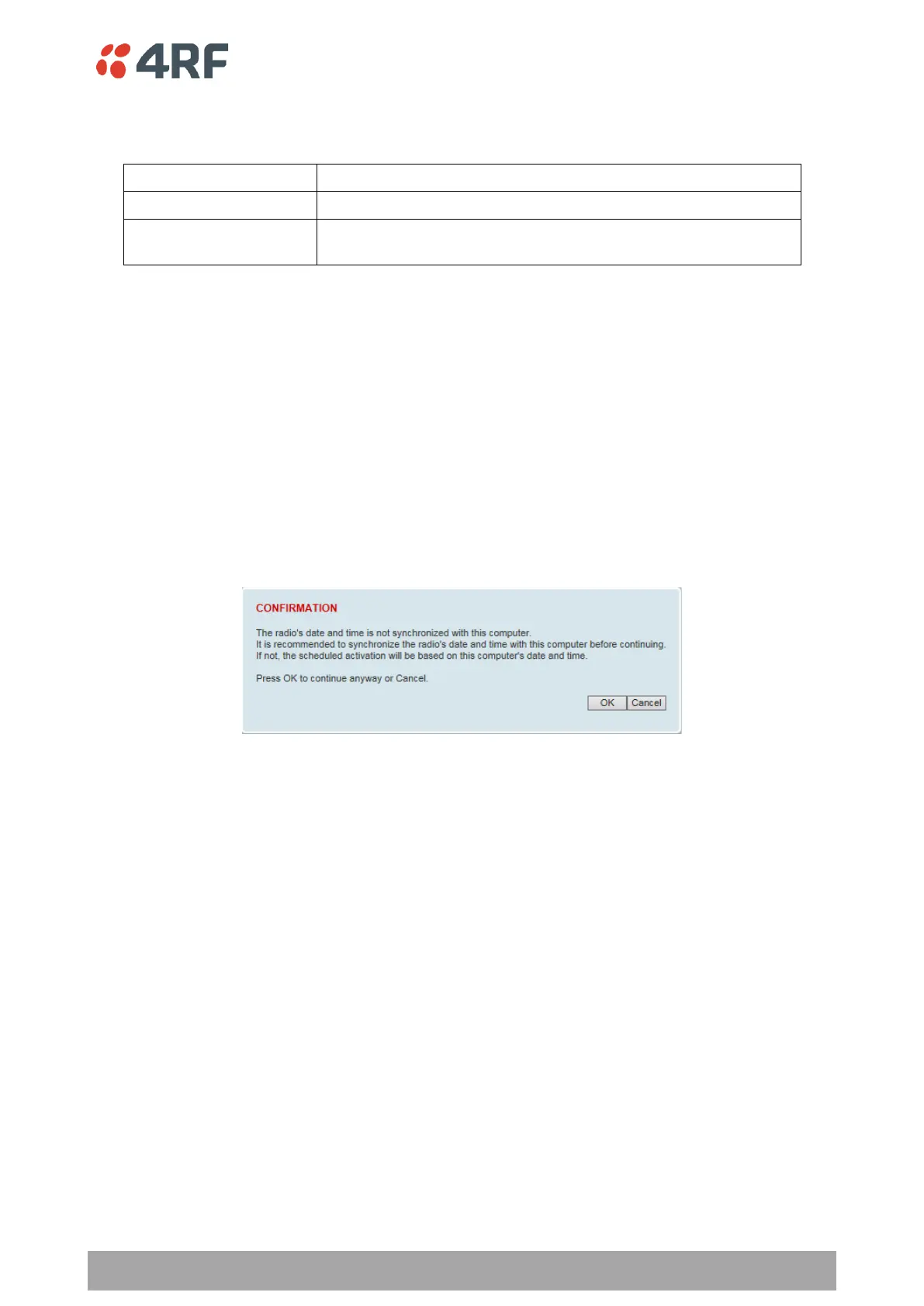
If the network base station radio date / time is not synchronized, you will get the following popup:
You can manually enter the base station radio date / time or use the Date And Time Synchronization from
a SNTP server feature (see ‘Terminal > Date / Time’ on page 116).



 To Next Page