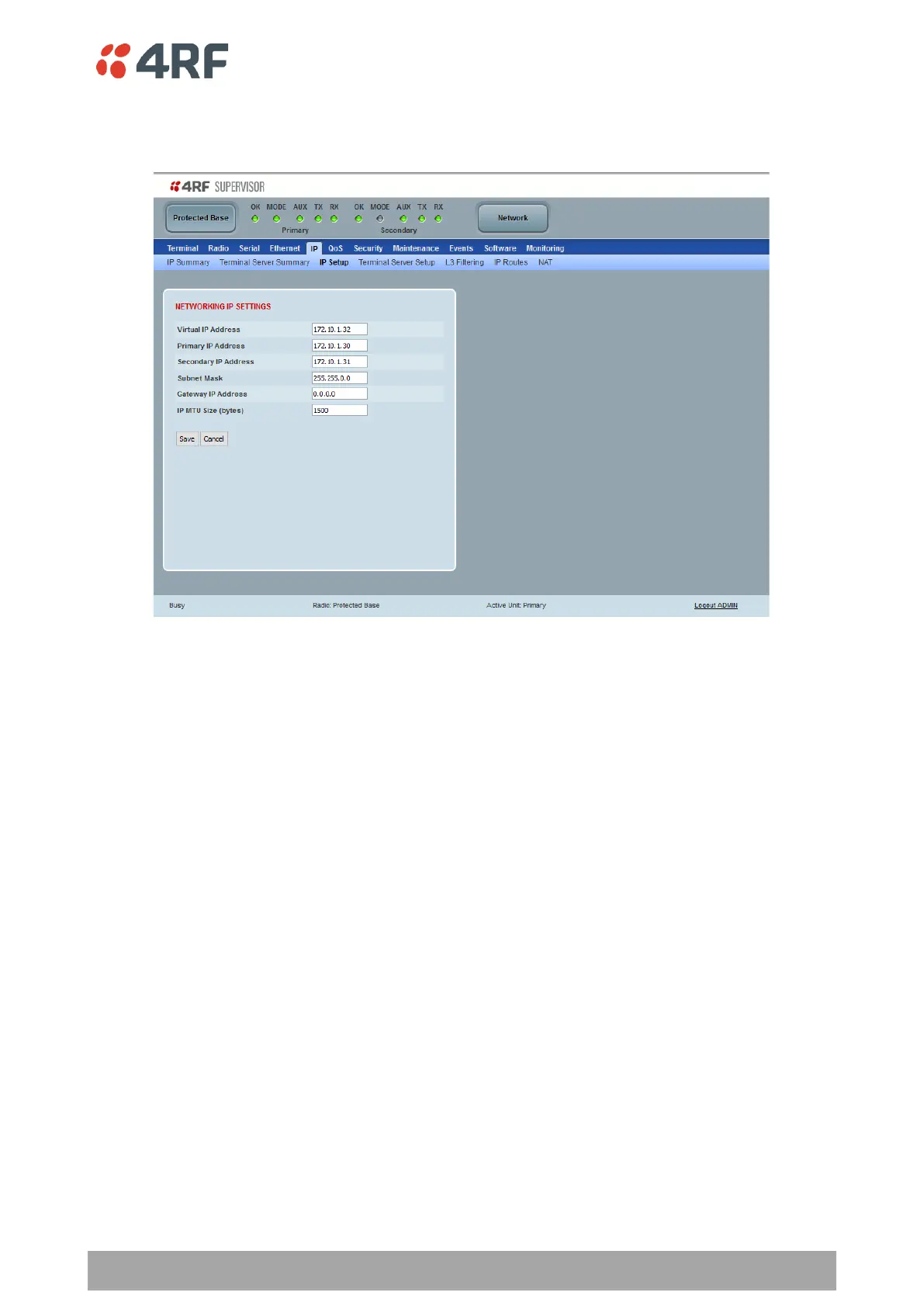
Protected Station: IP > IP Setup
This page provides the setup for the Protected Station Networking IP setup.
NETWORKING IP SETTINGS
Changes in these parameters are automatically changed in the partner radio.
Primary IP Address
Set the static IP Address of the primary radio assigned by your site network administrator using the standard
format xxx.xxx.xxx.xxx. The default IP address is in the range 169.254.50.10.
Secondary IP Address
Set the static IP Address of the secondary radio assigned by your site network administrator using the
standard format xxx.xxx.xxx.xxx. The default IP address is in the range 169.254.50.10.



 To Next Page