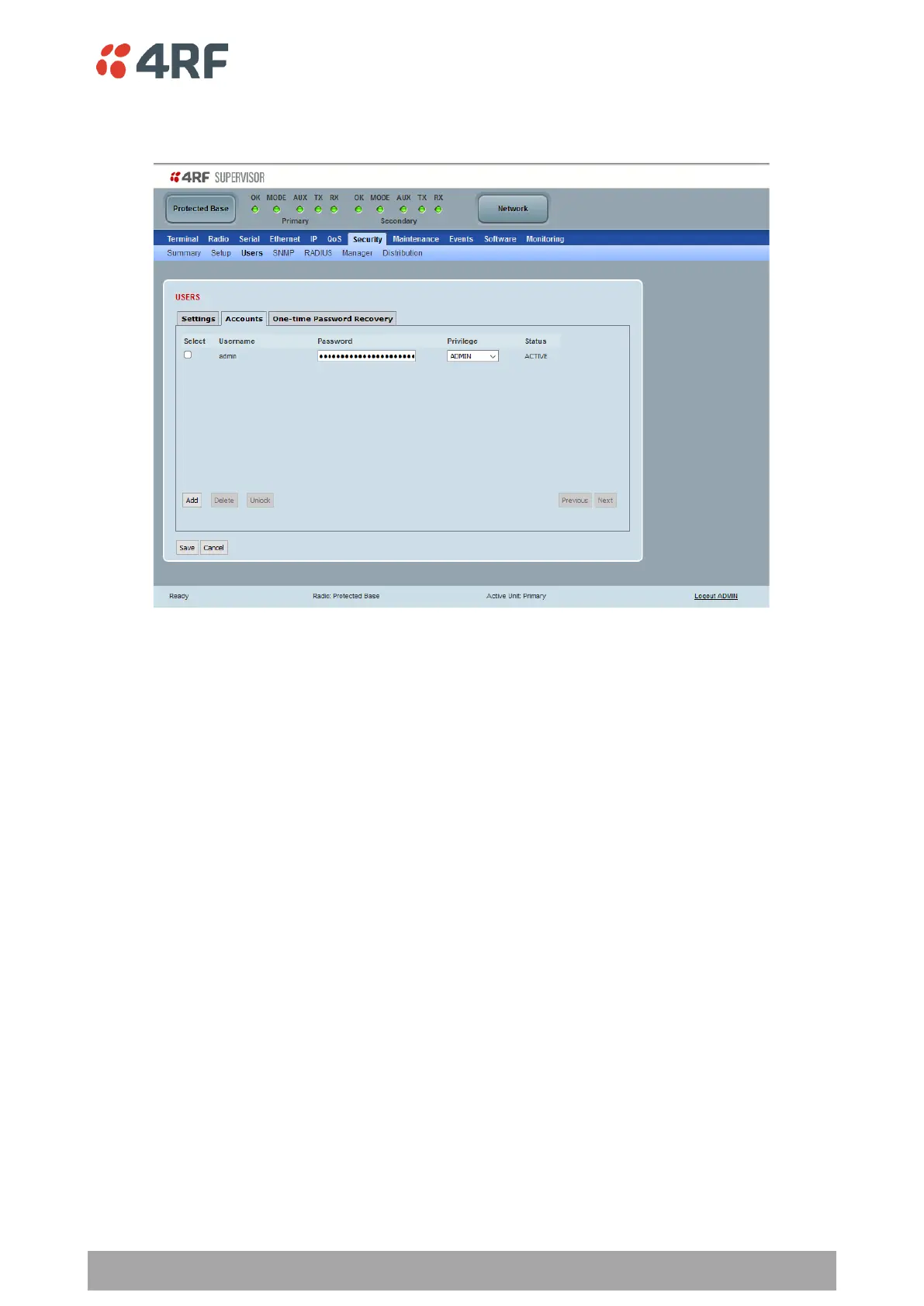
Protected Station: Security > Users
This page provides the management and control of the Protected Station Security Users accounts.
In a protected station, the ‘Accounts’ tab will indicate any differences between the user account
configuration of the primary radio and the secondary radio.
• If the user account is only configured for one of the radios, the user name will appear in red text,
the password field of that account will be displayed blank.
• If the user account is configured on both radios, but the privilege settings are different, then the
privilege configuration dropdown list will be surrounded by two red borders.
• If the user account is configured on both radios, but the current status of user account is different,
then the status field will be displayed in red text.
When there are empty password fields on the page, the user will be required to enter a new password for
each of the empty fields before saving the user configuration. Validation on this is performed and a pop up
will be displayed if a password has not been entered.



 To Next Page