24
5.3.3.
Other Operations
To return from waiting mode and show the monitor.
If the indication of the OLED display or LCD panel is hidden, press
the START/STOP or EVENT switch to return to the display of
waiting mode.
Deleting measurement data
Step
1.
Set the AUTO switch to "OFF".
Step
2.
If the indication of the display is hidden, press the
START/STOP or EVENT switch to return to the display of
waiting mode.
Step
3.
While holding the START/STOP switch and hold the EVENT
switch for 9 seconds or more. DataClear is displayed on the
OLED display.
Step
4.
Press and hold the START/STOP switch for 3 seconds. Data is
deleted and the recorder returns to waiting mode.
To start data communication with dedicated peripheral using the USB cable.
Step
1.
Connect the micro USB cable between the recorder and
dedicated peripheral
.
Step
2.
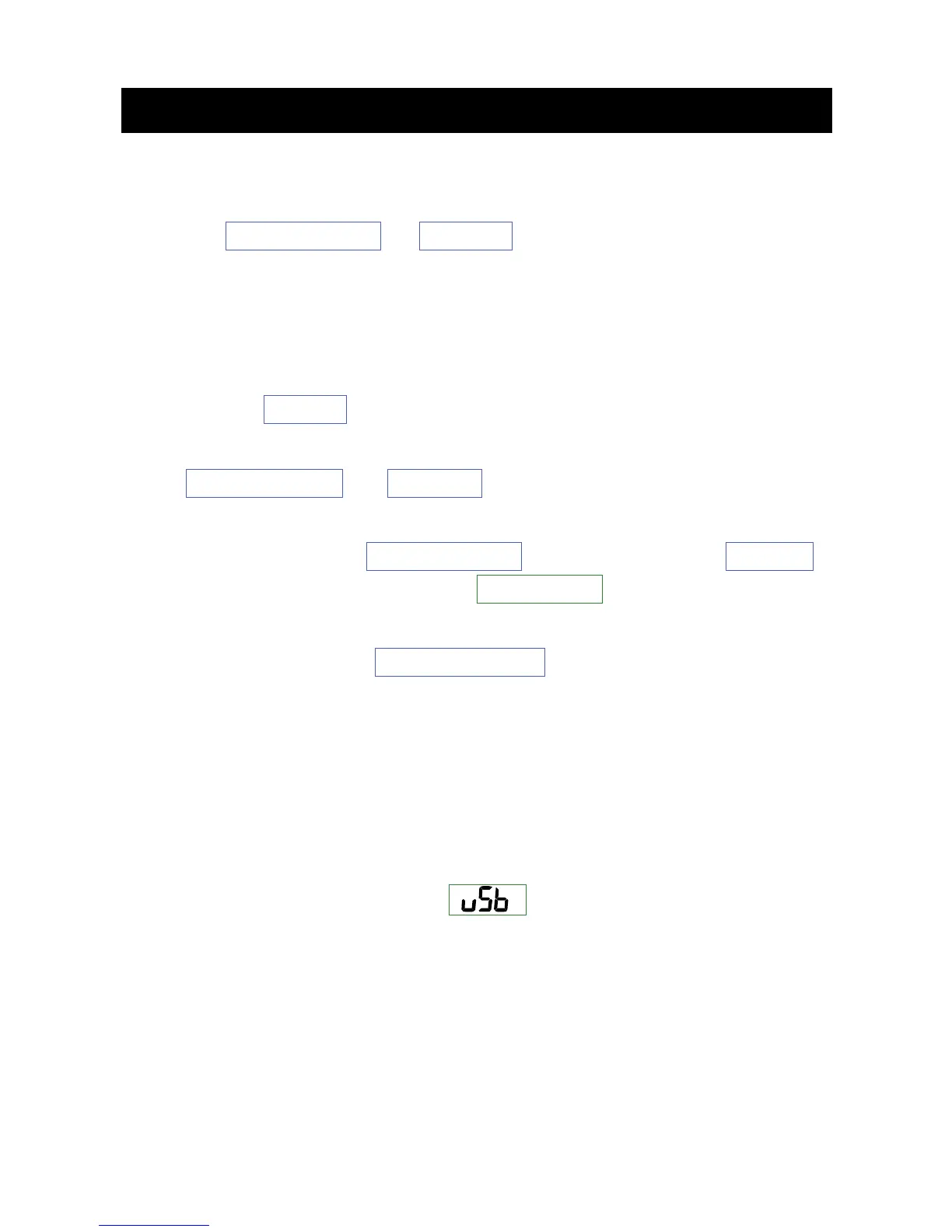
The buzzer will sound and will display on the LCD panel.
The state of data communication enters standby mode.
Step
3.
Carry out analysis using the
dedicated peripheral
. The state of
data communication only enters active online mode during
USB communication.



 To Next Page