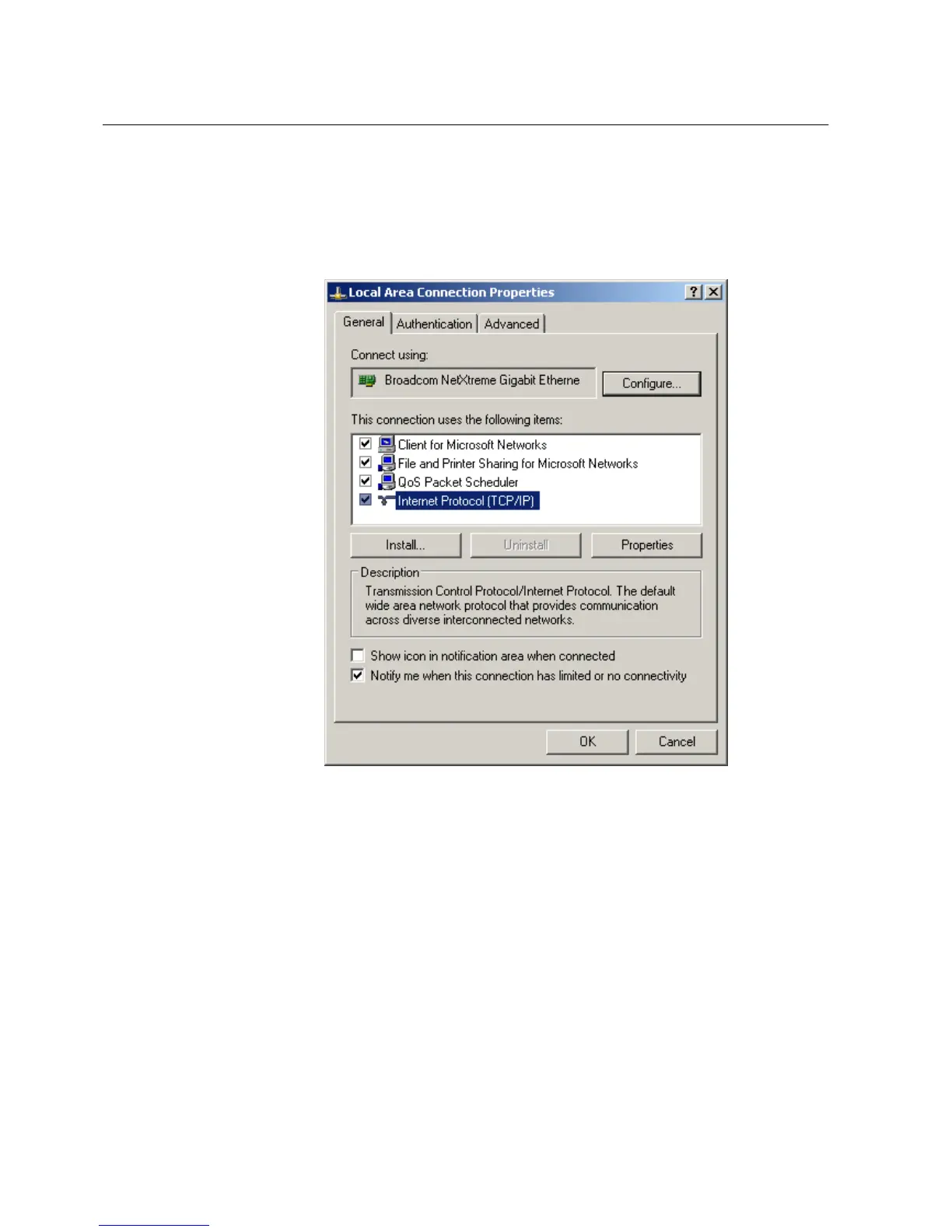
1. To open Network Connections, click Start, point to Settings, click Control
Panel, and then double-click Network Connections.
2. Double-click the connection that you want to configure, and then click
Properties.
3. Select the TCP/IP protocol from the list of configured components using this
connection and click Properties.
A071162 V1 EN
Figure 62: Selecting TCP/IP protocol
4. Select Obtain an IP address automatically and Obtain DNS server address
automatically.
Section 8 1MRS756708 A
Commissioning
94 615 series
Operation Manual



 To Next Page