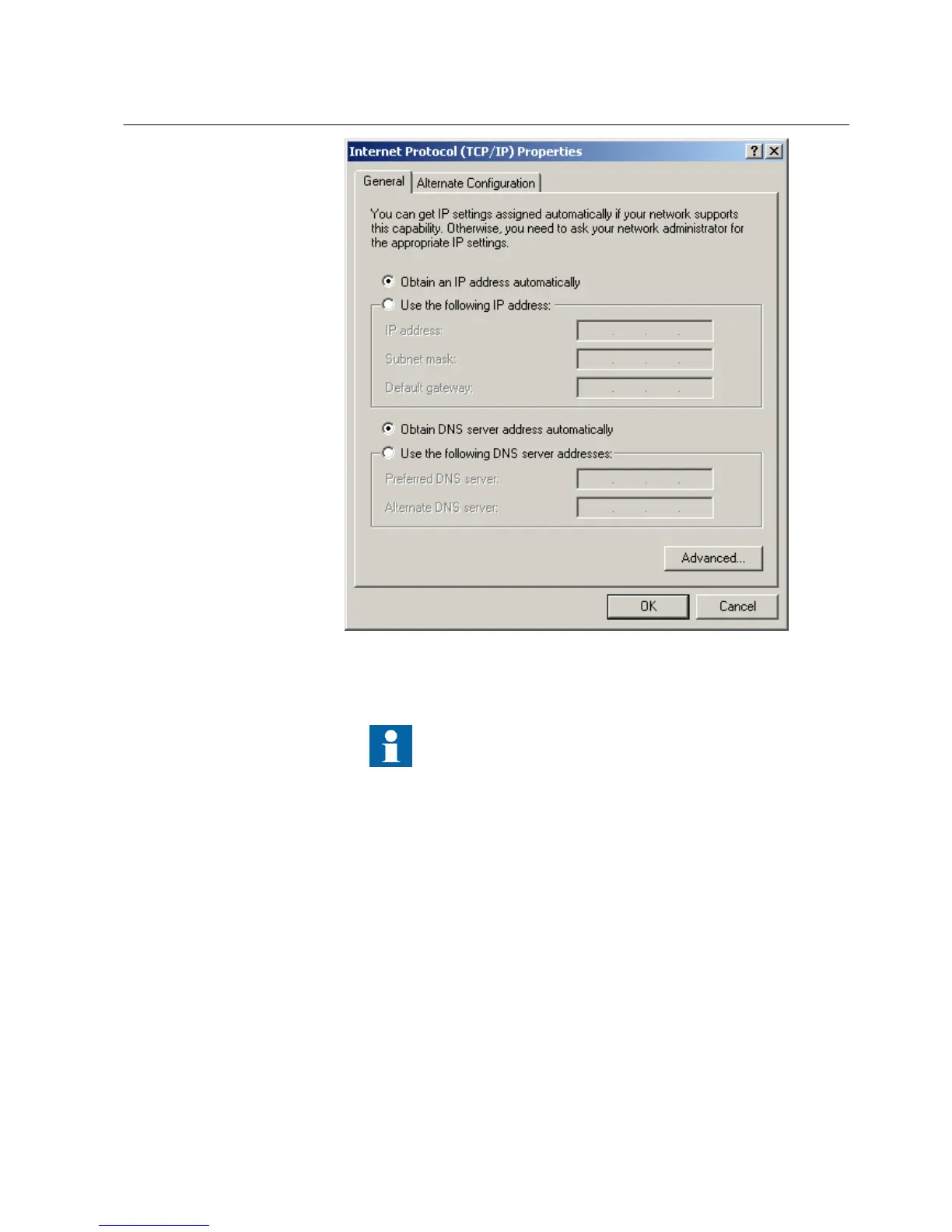
A071224 V1 EN
Figure 63: Obtaining IP address automatically
5. Close all open windows by clicking OK and start PCM600.
Administrator rights are requested to change the configuration
as described above.
Setting rear communication
To set up a standard PC with MicroSoft Windows operating system for rear
communication:
1. To open Network Connections, click Start, point to Settings, click Control
Panel, and then double-click Network Connections.
2. Double-click the connection that you want to configure, and then click
Properties.
3. Select the TCP/IP protocol from the list of configured components using this
connection and click Properties.
1MRS756708 A Section 8
Commissioning
615 series 95
Operation Manual



 To Next Page