7
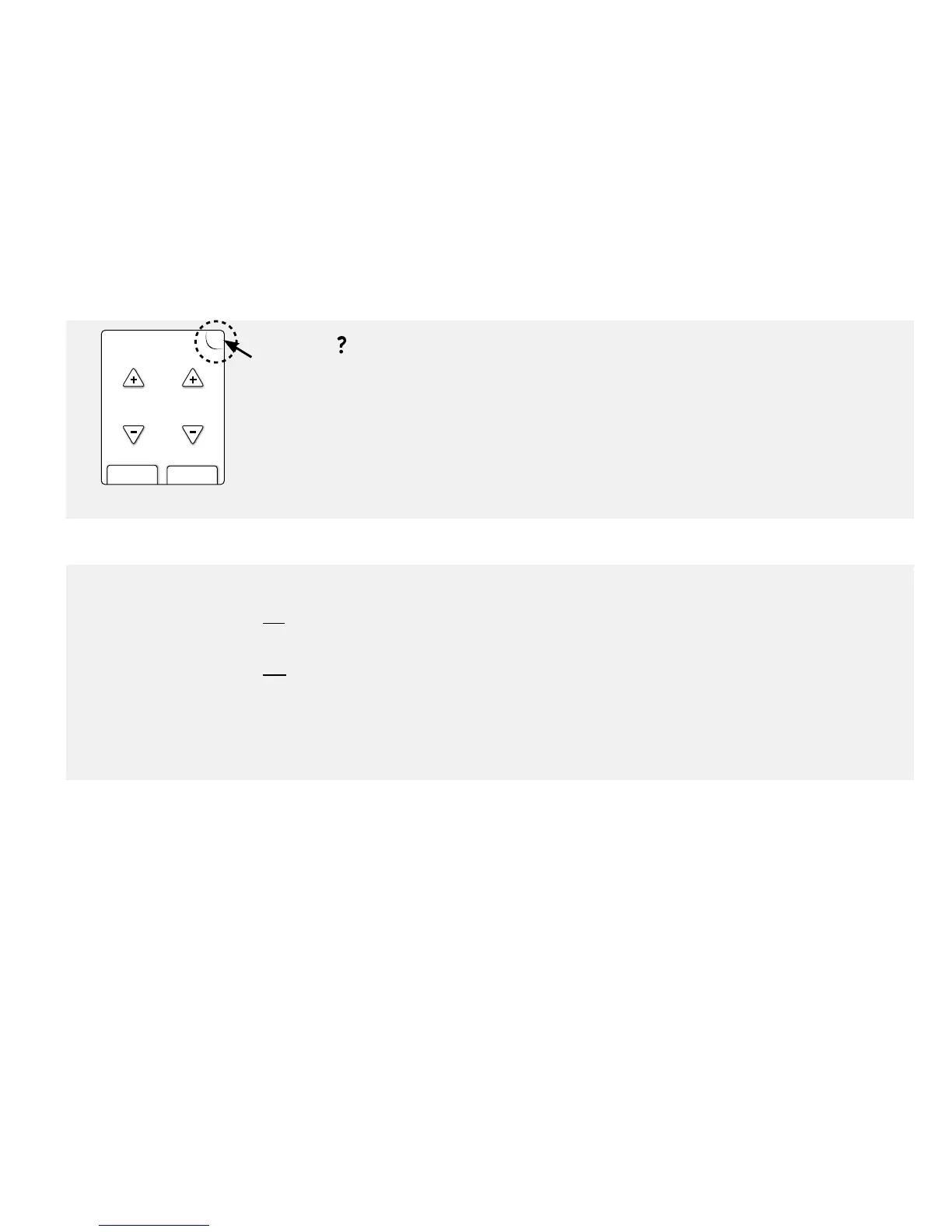
Use the “?” Help Button
?
?
nextback
Enter target
range in mg/dL
70 130
to
Tap the Help button anytime you see it and want more information.
Turn the Backlight On and O
The backlight can help you view the screen in low light.
To turn the backlight on:
• Press and hold the meter Home button for 3 seconds.
To turn the backlight o:
• Wait for 15 seconds, or
• Press and hold the meter Home button for 3 seconds.















 To Next Page