30
Taking Care of Your Meter
Take care of your meter and keep it operating safely.
Changing Batteries
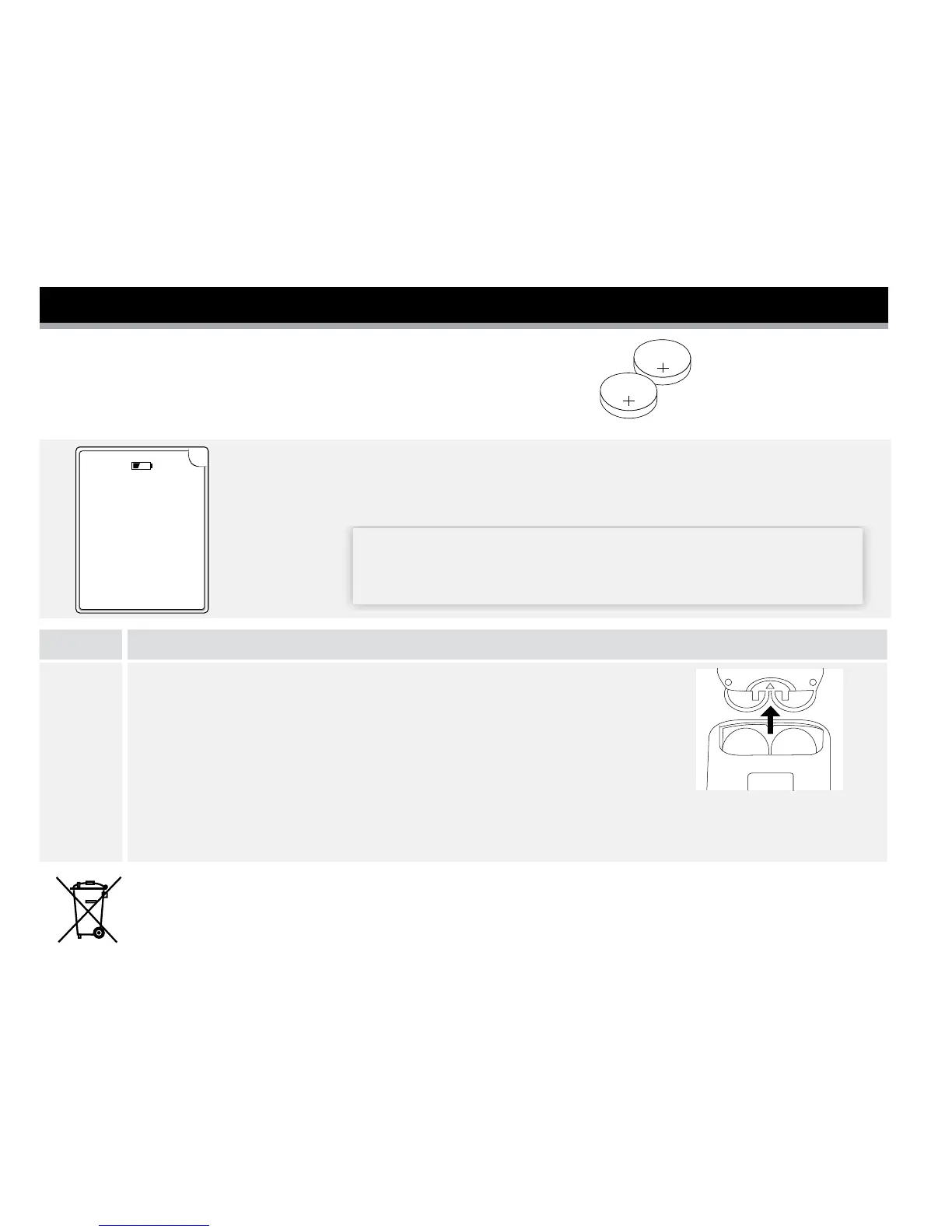
Note: The meter uses 2 replaceable CR 2032 coin cell batteries.
OK
The batteries are
running low.
You will see this screen when your batteries are low.
Note: Your meter settings and logbook information will be saved when you
change the batteries.
IMPORTANT: After you rst see this warning, you can
perform approximately 28 tests before you need to change
the batteries.
Step Action
1
Change your batteries.
a. Slide open the battery door on the back of the meter.
b. Remove the old batteries.
c. Install new batteries with (+) facing up.
d. Slide the door back into place until it clicks.
Note: The next time you turn your meter on, it will ask you to conrm the time and date.
Used batteries should be removed and disposed as required by local regulations.















 To Next Page