40
Set up Notes for Your Meter Logbook
Step Action
1
Go to the Meter tab. On the left side of the screen, click Logbook.
2
Click Notes on the Logbook submenu.
3
Make your selections:
a. Click the button to On to use Notes.
b. The rst four notes are: Exercise, Felt ill, Medication, and Felt low. You can choose to
accept these; or
c. Edit, change order, delete, or add up to 11 custom notes.
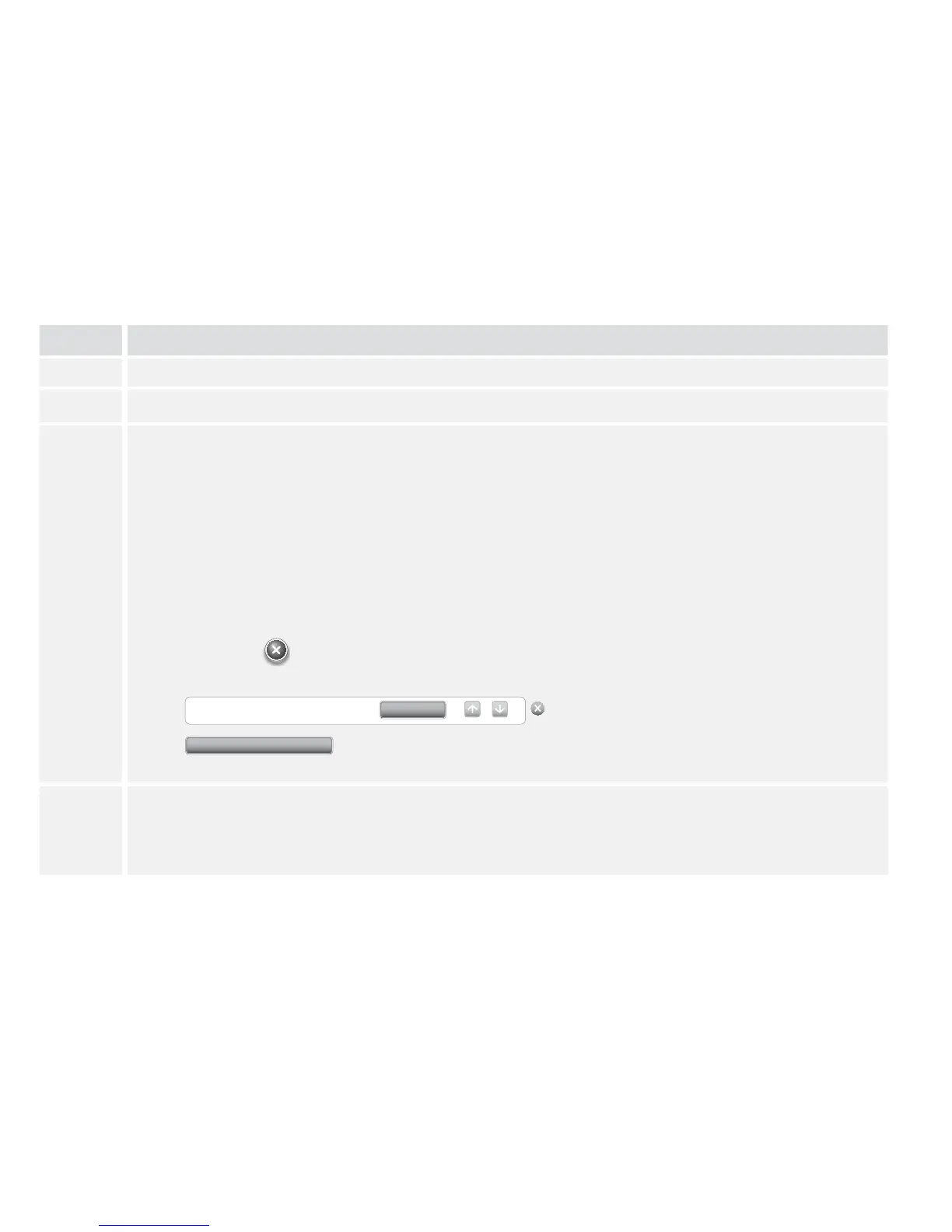
• Click Edit note to change the name of a note. Then click Done.
• Change the order of the notes by using the up and down arrows (this will change
the order they appear on the meter).
• Click the button next to the note you want to delete.
• Click Add note to add a custom note.
Felt Low
Edit note
Add note
4
Click Save to meter.
For more information about adding notes to results in your meter logbook, refer to the
View Logbook section.















 To Next Page