18
Error Messages
OK
There is a problem
with the meter.
Call customer service
for help and reference
Error 1, or get more
information below.
1 of 5
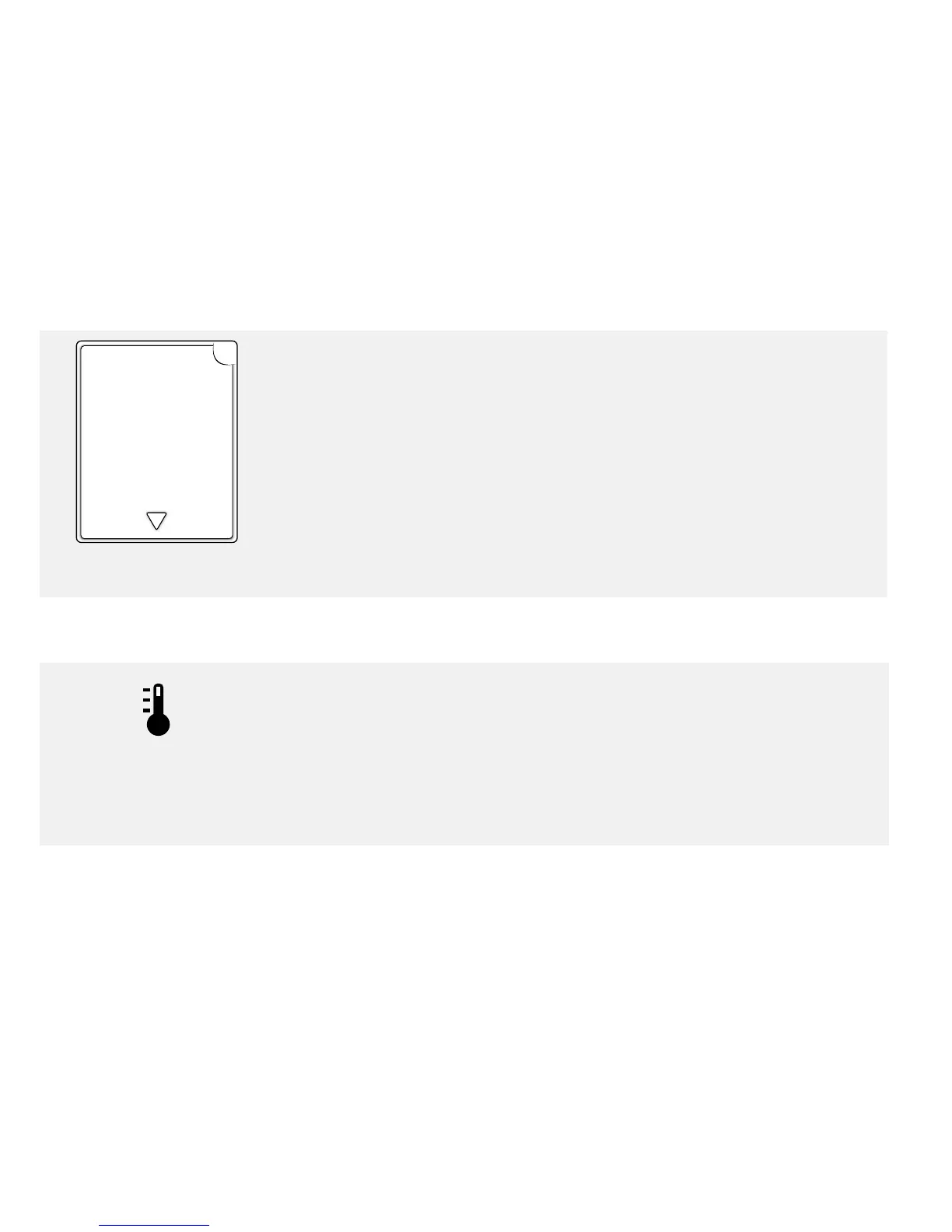
Example of an Error Message
Your meter will explain what an error message means, its possible causes,
and what to do about it.
Notes:
• Remember to tap the arrow button to see all of the important
information.
• Tap OK to return to the Home screen.
Temperature Warning
This symbol may appear after inserting a test strip. It will include a
message saying the meter is either too hot or too cold to use right now.
Blood glucose tests taken outside of the operating temperature range
may not be accurate.
Tap OK to clear the screen and test again later.















 To Next Page