24
Change Your Meter Settings
Change time and date, sounds, or language.
Step Action
1
12:43pm
Logbook
Settings
Time and date
Sounds
Language
Perform control
solution test
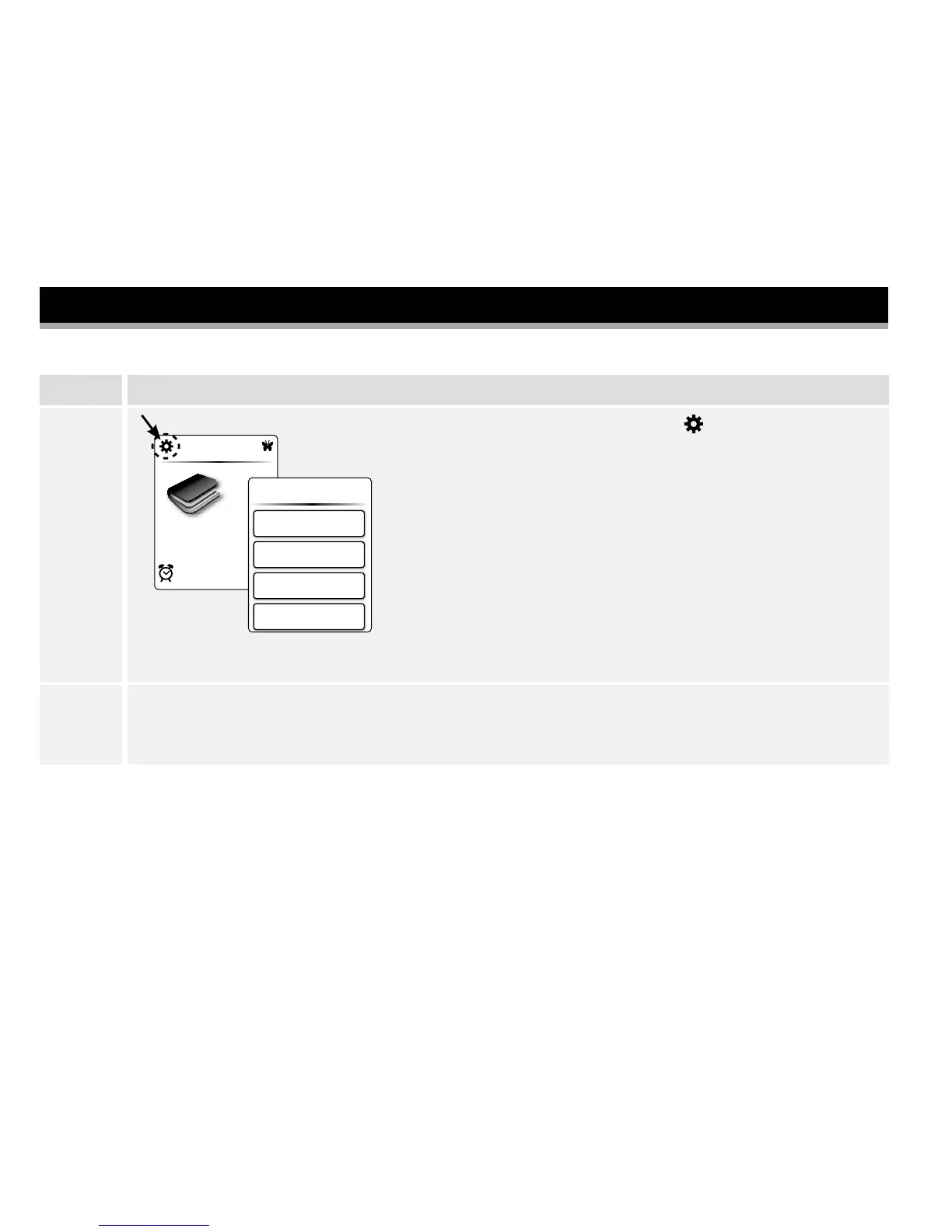
At the Home screen, tap Settings .
Then tap the setting you want to change.
Note: Tap Sounds to change Notication and Button
sounds.
• Notication sound On: Meter will beep when the
test strip is lled, the result appears on the screen,
an error occurs, and when you get a reminder.
• Button sound On: Meter will beep each time you
tap a button.
2
Press the meter Home button to return to the Home screen.
Note: You can change your meter settings anytime by simply repeating Step 1.















 To Next Page