35
FreeStyle Auto-Assist: Progress Reporting Software
Getting to Know Your FreeStyle Auto-Assist Software
Welcome to FreeStyle Auto-Assist. This software tool allows you to take a more informed role in
managing your diabetes. It can help you and your health care professional evaluate needs and
options for your diabetes management program.
Note: Your meter must be connected to the computer in order to modify settings or view reports.
Reports will be created based on the current data saved on your meter. No data from the meter
logbook is saved to your computer.
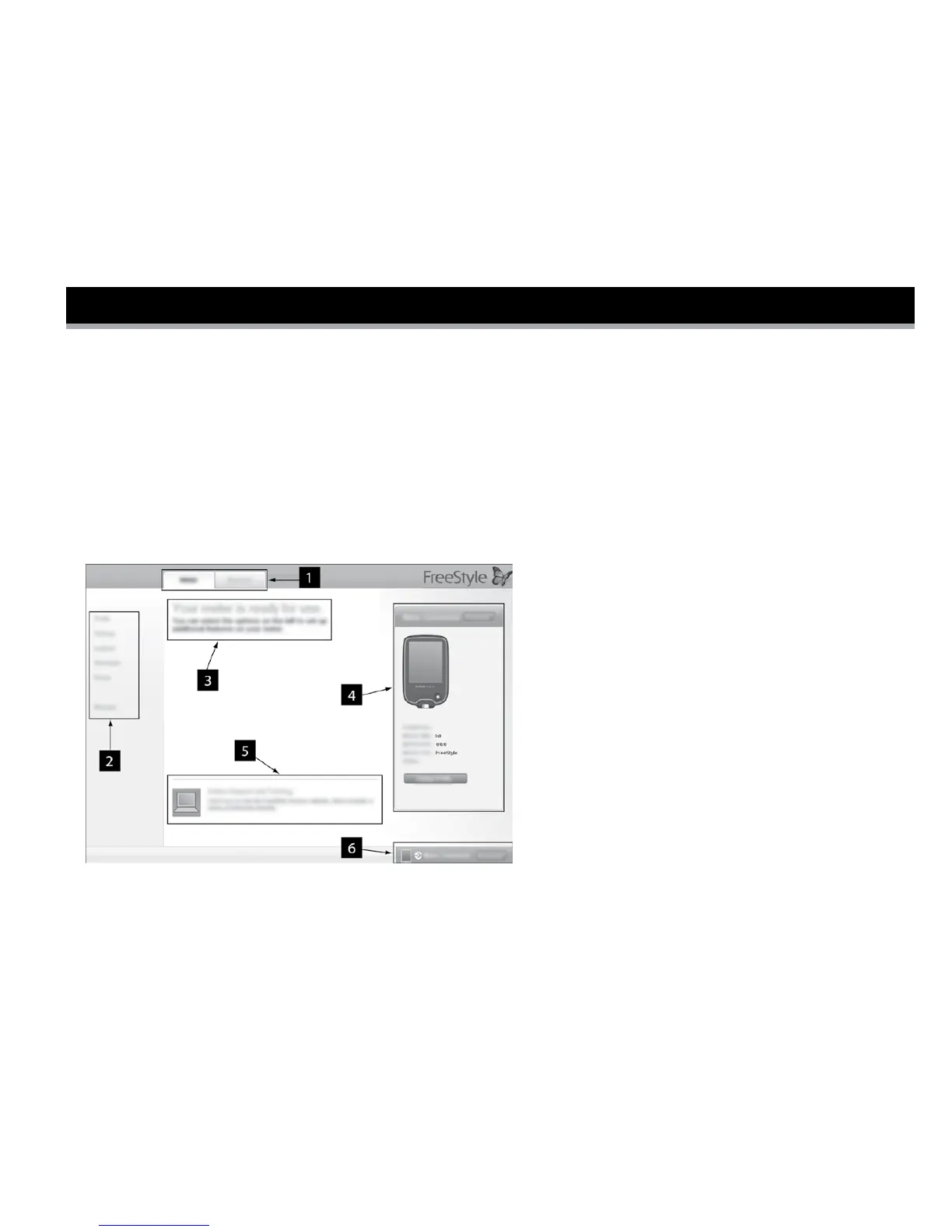
1. Meter and Report tabs: Provide access to
meter setup features or report options.
2. Submenu: Provides access to additional
features within each tab.
3. Message box: Keeps you posted on
software status and any next steps
(if needed).
4. Meter information: Shows meter details
such as time, date, serial number, and
patient name/ID.
5. Online Support and Training: Provides a link to online training and support.
6. Meter Status Bar: Displays meter connection status.















 To Next Page