49
Additional FreeStyle Auto-Assist Features
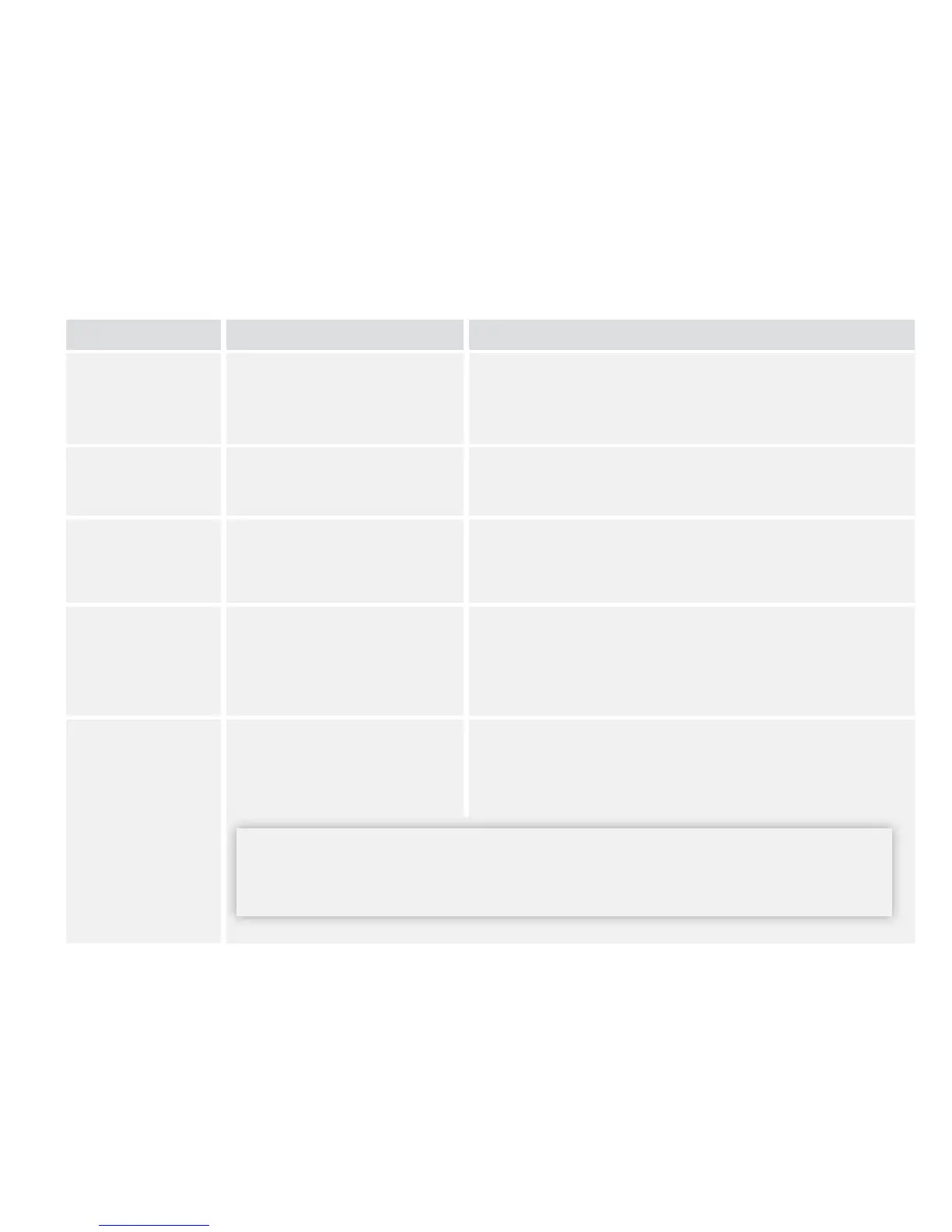
Feature What It Does How To Access
First time Meter
Setup
Sets your meter's
language, date, and time.
If you have not yet set up your meter, plug it into
your computer and click Set up Meter from the
Welcome screen.
Export Data Exports meter data to a
text le.
From the menu bar at the top of the screen, click
File. From the drop down, click Export data.
Update
Software
Installs updates to your
FreeStyle Auto-Assist
software and meter.
Your FreeStyle Auto-Assist software will alert you
when updates are ready.
Backup Meter
Files
Saves a backup le
containing your current
meter settings and
preferences.
Go to the Meter tab. On the left side of the screen,
click Backups. Click Save backup le.
Restore Meter
Files
Replaces your current
meter settings with
settings from a backup le.
Go to the Meter tab. On the left side of the screen,
click Backups. Click Restore Settings.
IMPORTANT: Make sure you choose the proper le to restore. If the incorrect
le is chosen, the meter may be set with the wrong settings (such as insulin
settings or blood glucose targets).















 To Next Page