29
3
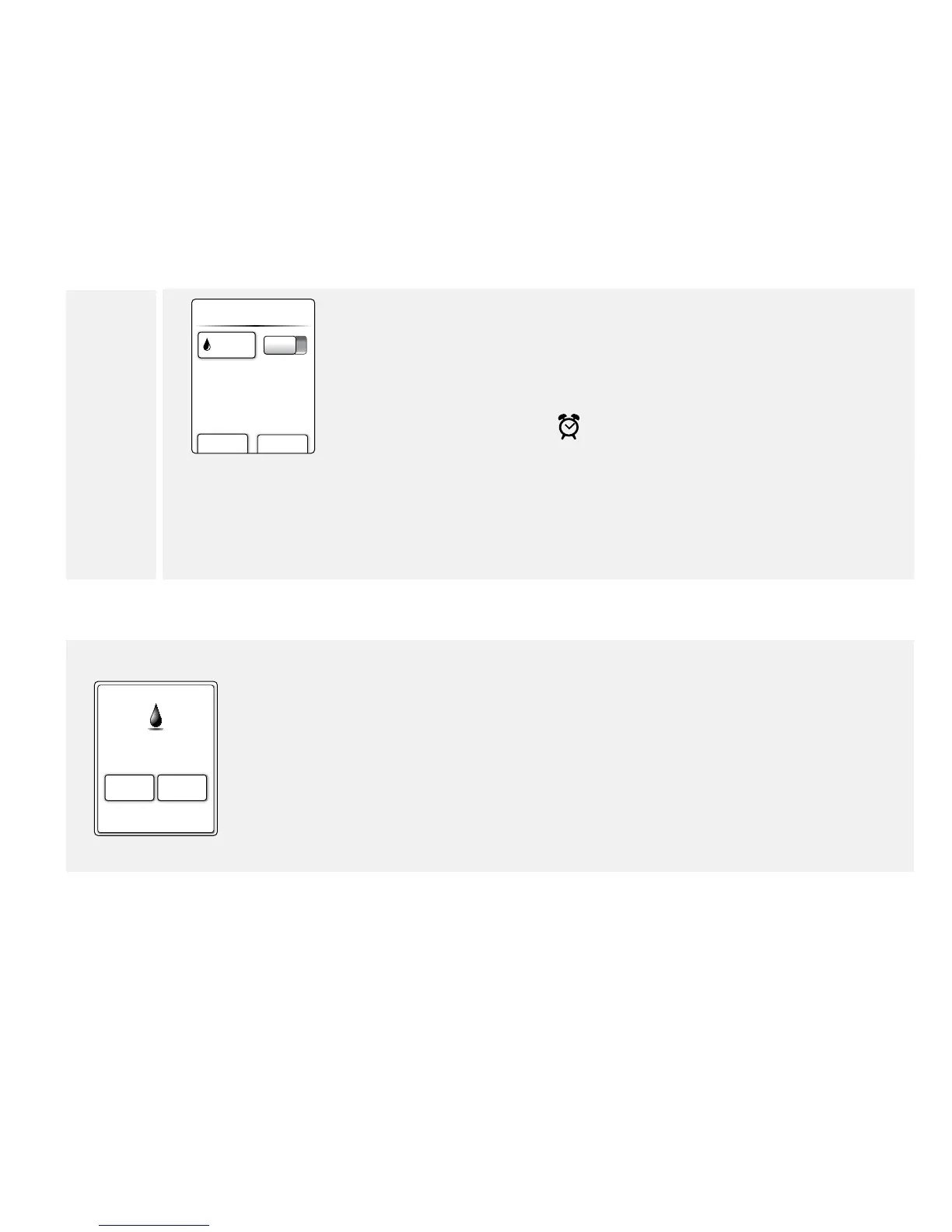
add new done
Remind me...
8:30 a On
You can now:
• Tap the On/O button to turn a reminder on or o.
• Tap add new to set more reminders.
Tap done to return to the Home screen. When any reminders are
turned On, the time of your next reminder will appear on your
home screen next to the
.
Notes:
• You can change your reminders anytime by simply repeating
the setup procedure.
• To add a reminder such as when to exercise, refer to the
FreeStyle Auto-Assist Set up Meter Reminders section.
Use Reminders
12:30pm
Test
dismiss
snooze
15 min
Reminder
Your reminder will appear even if the meter is turned o.
Tap your selection to snooze or dismiss your reminder.
Notes:
• Missed reminders will remain on the screen until dismissed.
• If you have set an insulin reminder, you will be able to log a dose after
tapping dismiss when the reminder appears. This will not work if you
turn the Insulin Log feature o. If you enter a rapid-acting insulin dose
here, it will be stored as "meal" insulin when you print reports through
FreeStyle Auto-Assist.















 To Next Page