41
Set up Meter Reminders
Set your meter to remind you when to test, when to take your insulin, or for other alarms.
The software allows you to set up to 12 dierent personal reminders.
Step Action
1
Go to the Meter tab. On the left side of the screen, click Reminders.
2
Set up to 12 reminders by clicking Add reminder.
3
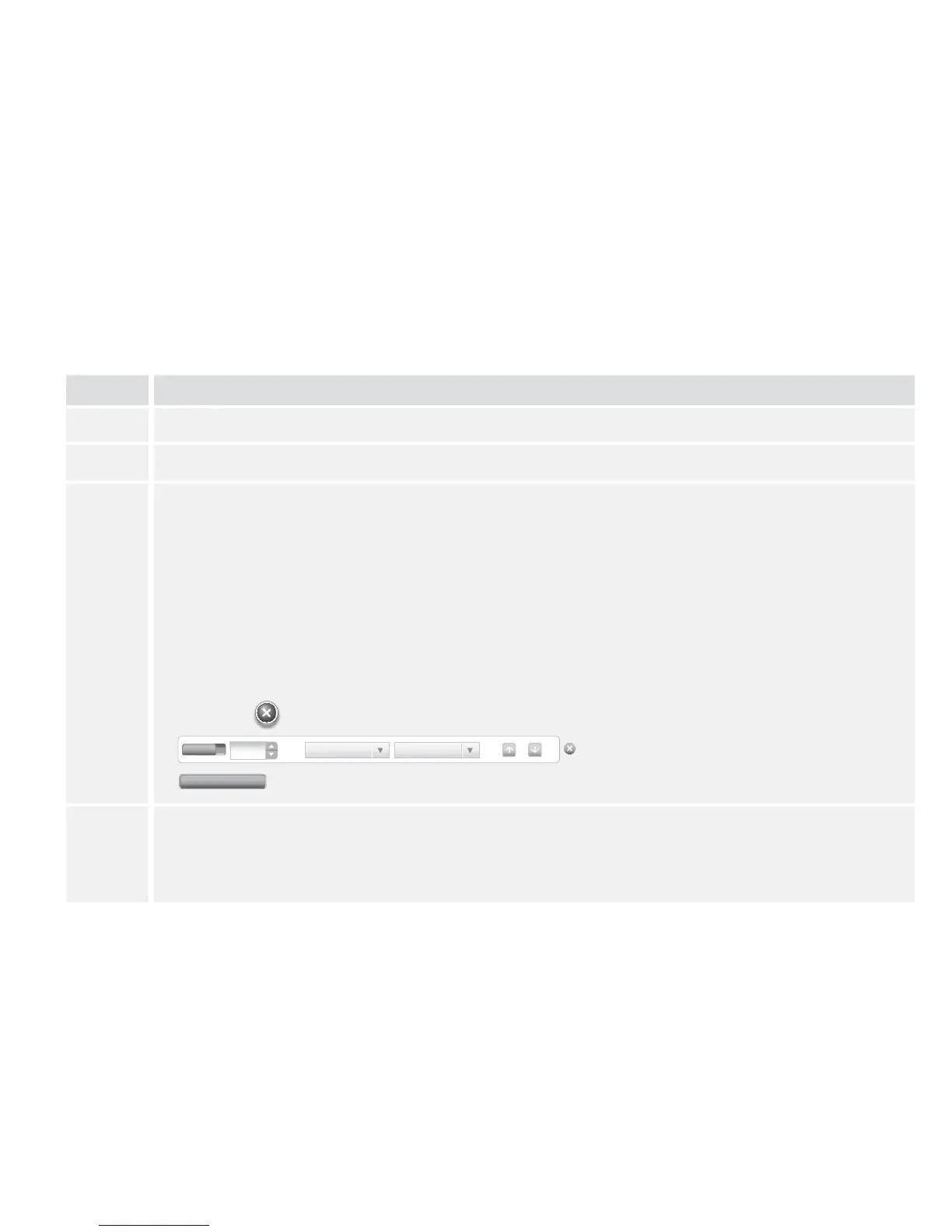
Set up your reminders:
a. Click the On/O button to turn a reminder On or O.
b. Use the up and down arrows to select the time.
c. Use the drop down menus to select when you want the reminder repeated and the type
of reminder. You can also add a custom type of reminder.
d. Click Add to add the reminder.
e. Change the order of the reminders by using the up and down arrows (this will change
the order they appear on the meter).
f. Click the
button next to the reminder you want to delete.
4
Click Save to meter.
For more information about reminders on your meter, refer to the Set up and Use
Reminders section.
04 : 00
Count Down Test
Add reminder
On















 To Next Page