27
3
Tap done to return to the Home screen.
Note: You can change your weekly messages settings anytime by simply repeating the
setup procedure.
Use Weekly Messages
Step Action
1
Perform a blood glucose test.
2
This test is...
Other time
After meal
Before meal
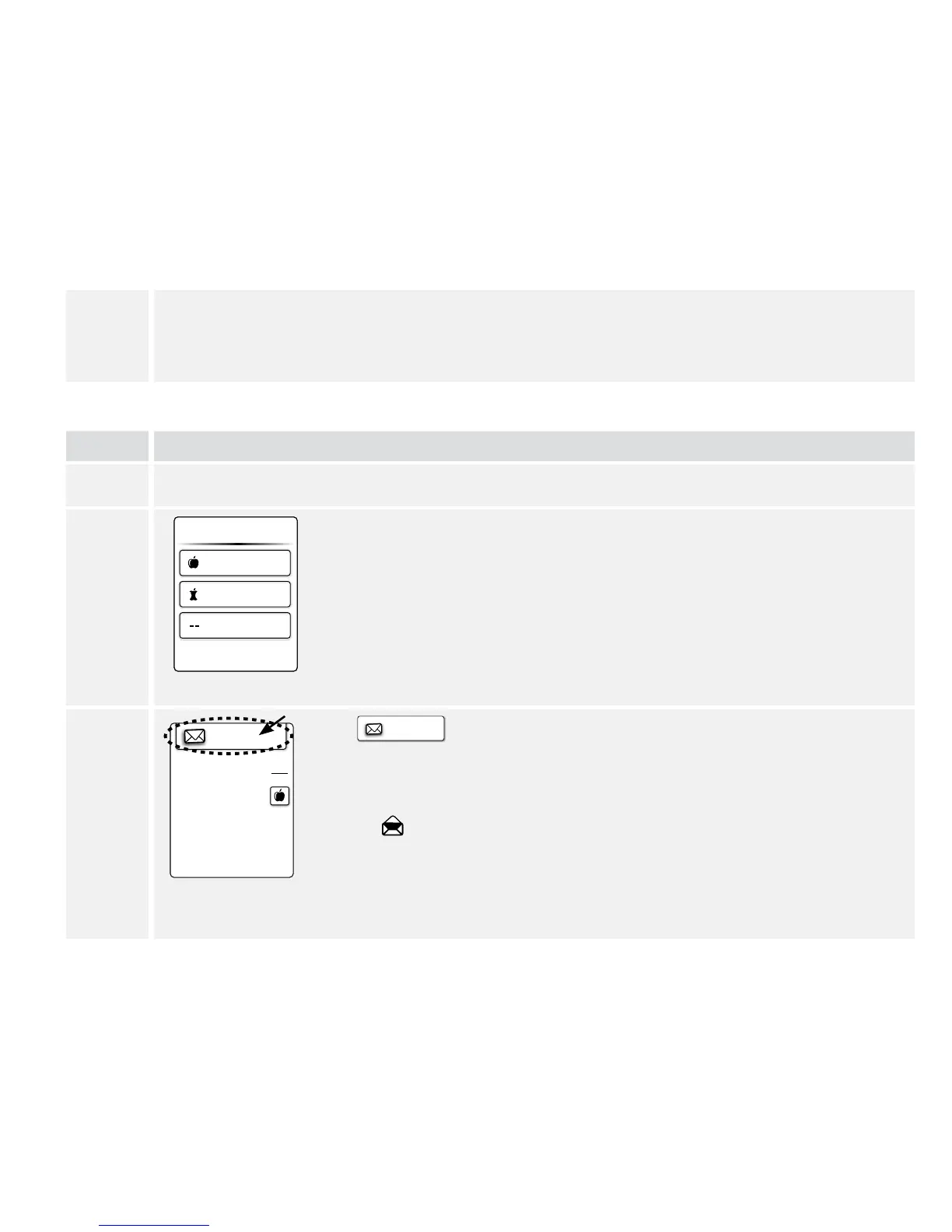
Mark your meal during the blood glucose test.
If you have set up weekly messages, you will see this screen while you
wait for your blood glucose test result. Tap your selection.
3
Message
mg
dL
105
Tap
Message
to read weekly messages from the results screen. Then
tap OK to get back to your blood glucose test result.
Notes:
• Weekly messages will also be stored in your logbook.
• is displayed after the message is read.















 To Next Page