28
Set up and Use Reminders
Set your meter to remind you when to test, when to take your insulin, or for other alarms.
Set up Reminders
Step Action
1
12:43pm
Logbook
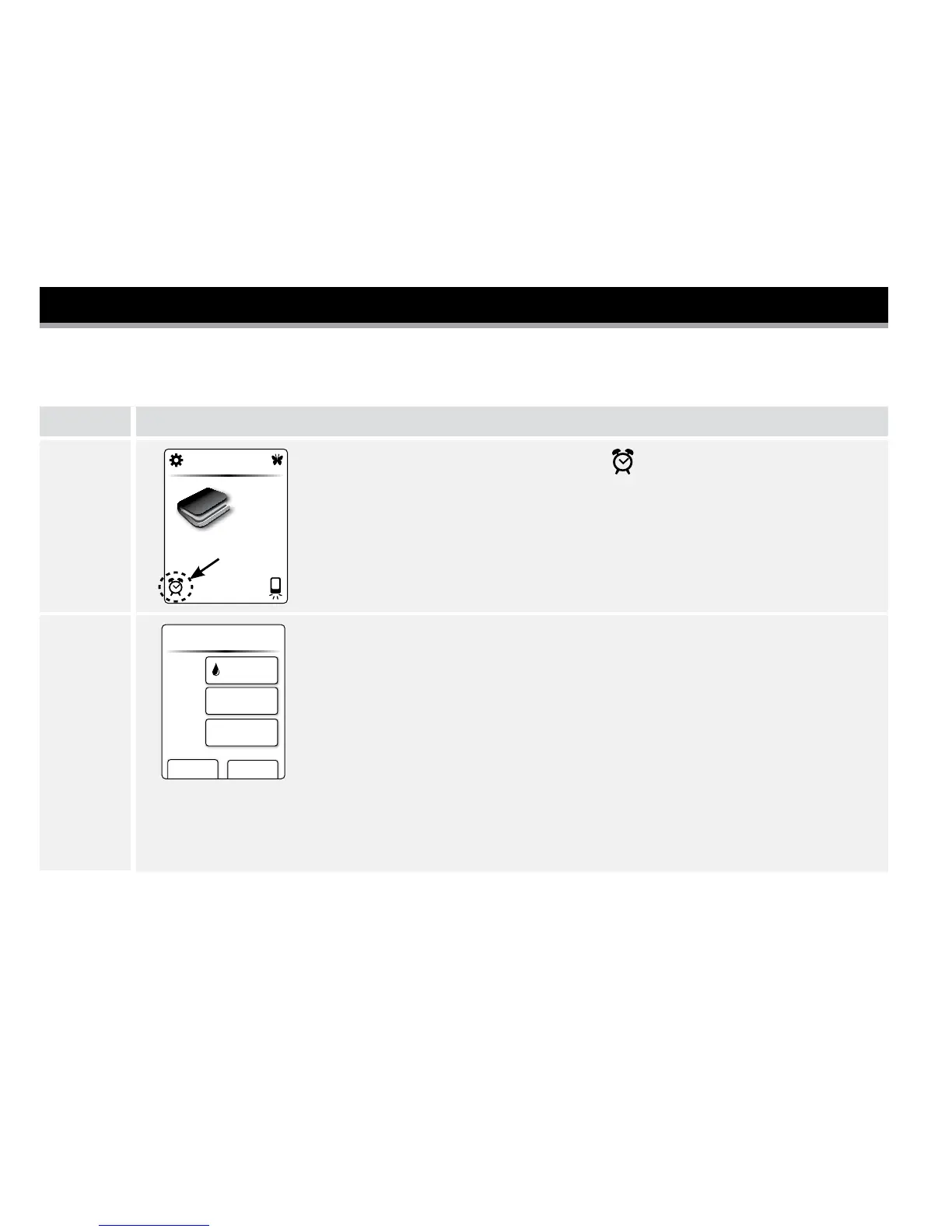
At the Home screen, tap the Clock .
You will see the 'Remind me' screen with your menu of options.
2
cancel save
Type
Repeat
Time
Remind me...
Test
Daily
12:00 am
a. Tap Type of reminder button to select which reminder you want
to set (Test, Take Insulin, or Alarm).
b. Tap Repeat button to set how often you want the reminders
(Daily, Once, Countdown Timer).
c. Tap Time and tap the arrow buttons to set the reminder time.
Tap save.















 To Next Page