6
Getting to Know Your Meter
Learn how to turn your meter on and o, nd the Home screen, use the Help button, and use the
backlight and strip light.
Turn Your Meter On and O
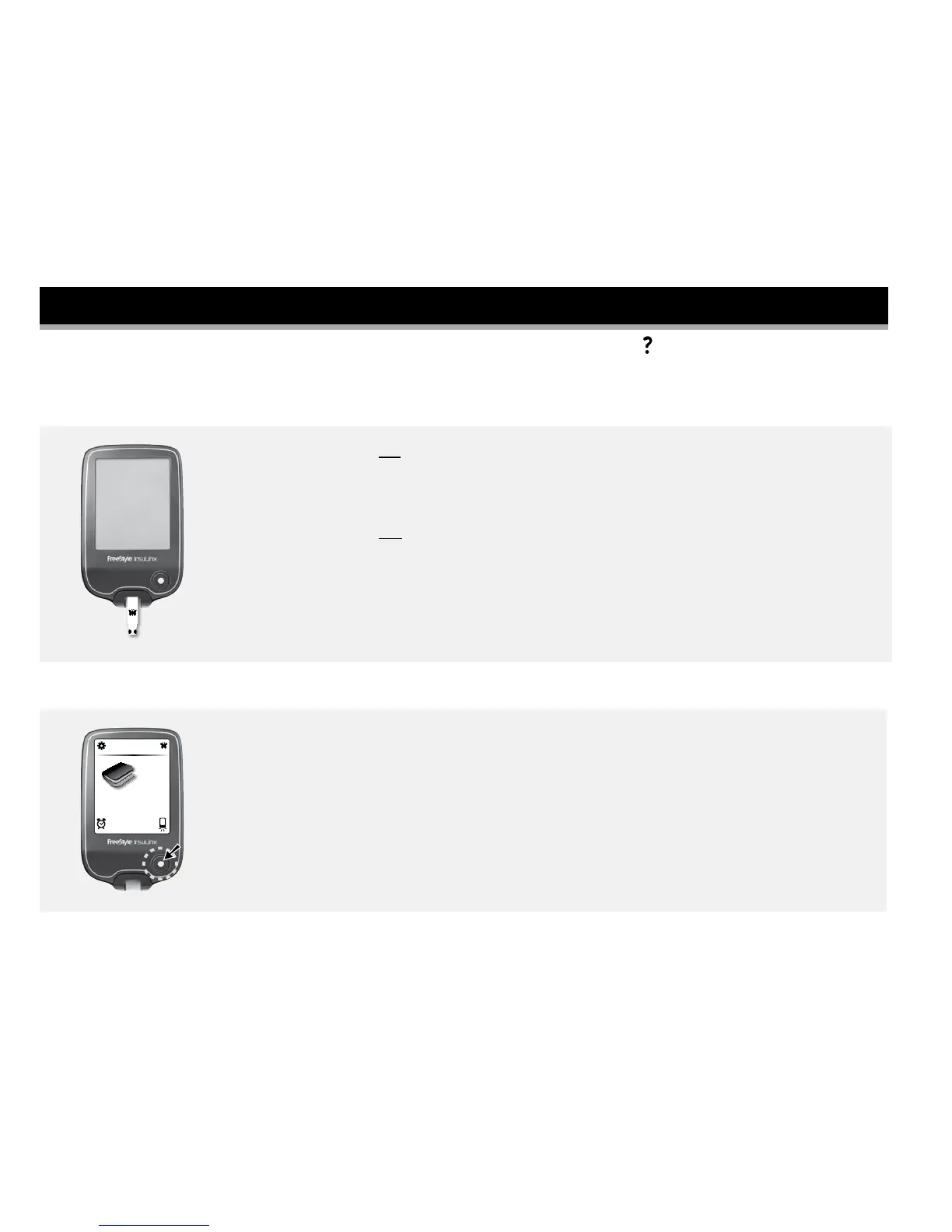
To turn the meter on:
• Press the meter Home button, or
• Insert a test strip.
To turn the meter o:
• If you're on the home screen, press the meter Home button, or
• Remove a test strip, or
• Do nothing for 2 minutes.
Find the Home Screen
12:43
Logbook
Most of your meter activities will begin at the Home screen.
Press the meter Home button anytime to return to the Home screen except
when a test strip is inserted.















 To Next Page