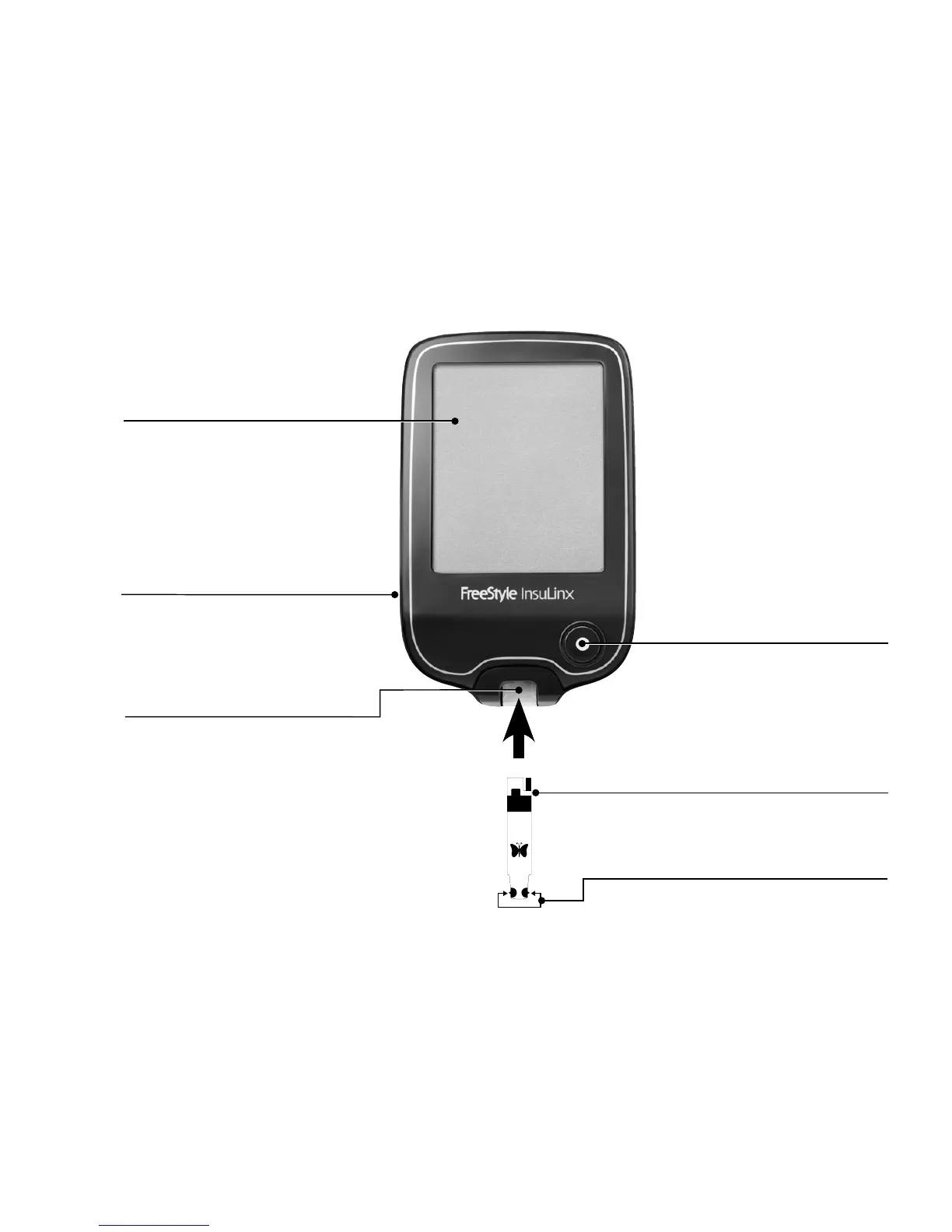
Sample areas
Apply blood or control solution to one
sample area only.
Meter Home button
This button is used to turn the
meter on and off, control the
backlight and to go back to the
Home screen.
Test strip
Insert strip into the meter with
printed side up.
Test strip port and light
Insert a test strip here. The meter
powers on when you insert a test strip.
Touch screen
Displays your test results and
other important information.
Use touch screen buttons to
work with your meter.
USB port
Plug in your micro USB cable
here to download test results.
FreeStyle InsuLinx at a Glance















 To Next Page