32
2
(Continued)
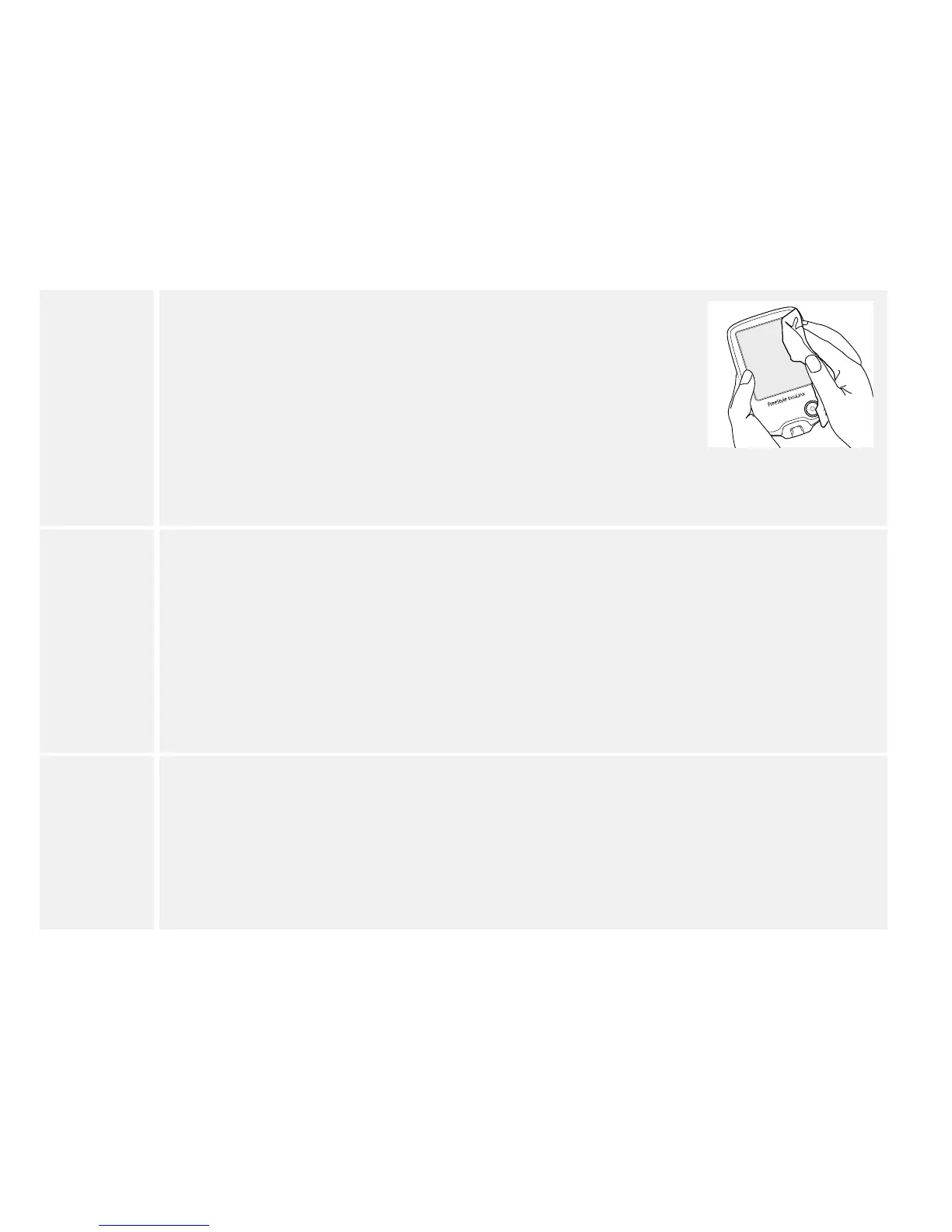
For disinfection, wipe all outside surfaces of your meter and the
meter Home Button including the test strip port or lancing
device until they are wet in order to pre-clean the meter or the
lancing device. After pre-cleaning, use a second wipe to
disinfect the meter or lancing device using the same process.
Avoid getting bleach solution in the USB port as this may
damage the meter. Surfaces must remain wet for a full one (1)
minute. Disinfect your meter or lancing device at least once a
week. (See Meter Specication section.)
3
Allow the meter or lancing device to air dry completely before performing a blood
glucose test.
Note: If you notice any signs of deterioration on the meter or lancing device (such
as clouding or crazing on the display of the meter, corroding or eroding of the
plastic housing or button, or cracking of plastic housing, display, or button) or if
the meter does not turn on or if the lancing device does not work after cleaning
and disinfection, discontinue use of the meter or lancing device and contact
Customer Service.
4
When nished, thoroughly wash your hands with soap and water. If you require
assistance or see signs of deterioration on your meter or lancing device (such as
clouding or crazing on the display of the meter, corroding or eroding of the plastic
housing or button, or cracking of plastic housing, display, or button), contact
Customer Service at 1-800-222-3100.















 To Next Page