11
Calendar
Here you can select the day of the recording to be searched.
By clicking on “User-defined search”, you can open a new window with criteria and
filters for further customising your search.
You can save the search settings by entering a name and clicking on the “Save”
button. These settings can be called up and executed in the menu on the left-hand
side.
Camera command
For selecting a predefined period of time or a period of time
defined by you
For selecting whether you want to search for videos or images
If tags were created, you can search for them here according to
name
For selecting whether the file is “Locked” or “Unlocked”
For selecting whether you want to search for a specific type of
event. Example: motion detection
Number plate
&
region/country
If a compatible number plate camera is used, you can also search
for a specific number plate here
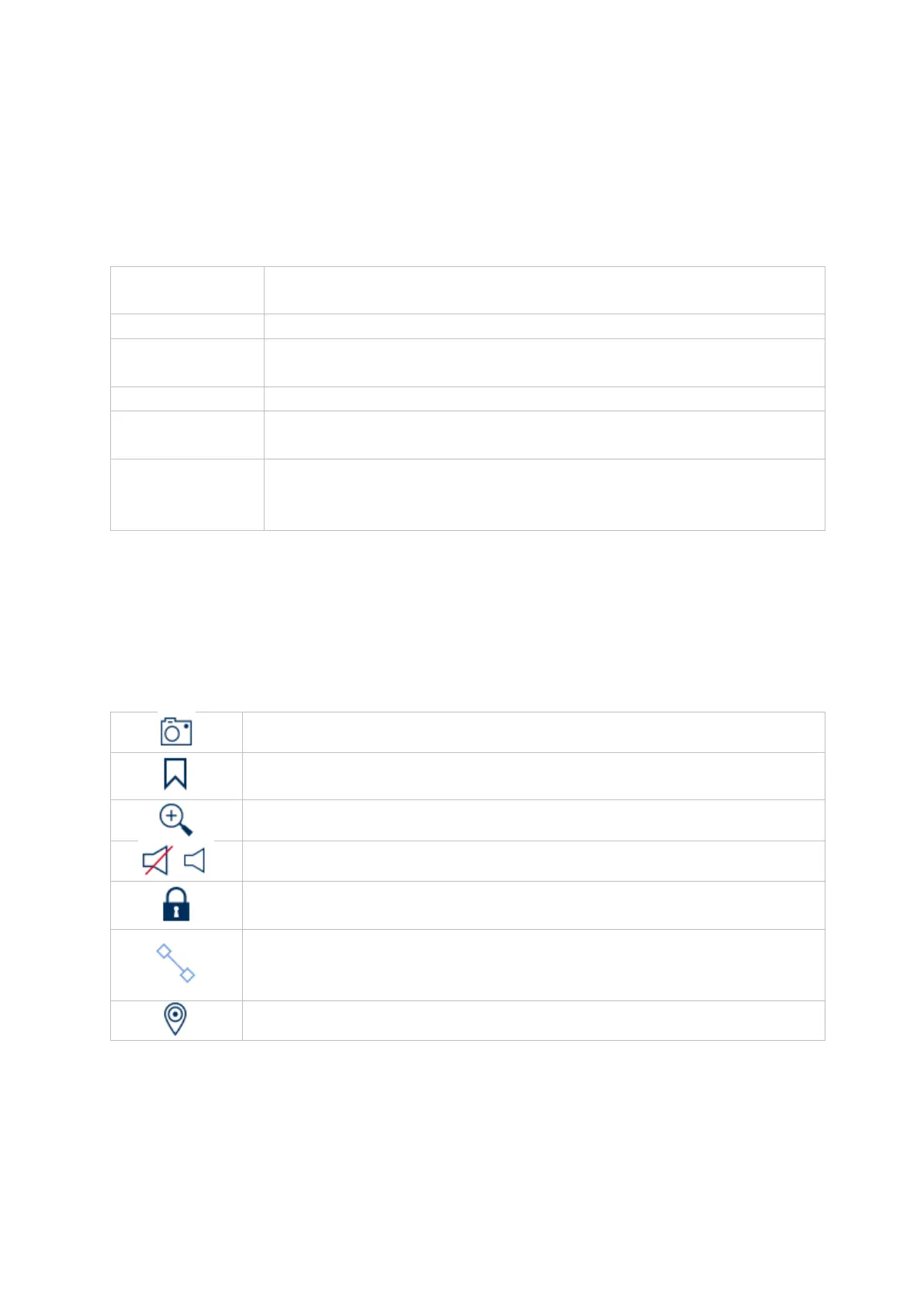
Generates an instant image
Creates a tag for the current playback position. Tags can be
retrieved and displayed via the playback type “Tag”.
The record file for the current playback position will be locked. A
locked data file will not be overwritten by ring memory.
Opens smart search. In order to be able to use smart search, the
relevant event type must be enabled. (Motion detection, tripwire,
intrusion detection)
Opens a menu for changing views when using fisheye cameras.



 To Next Page