9
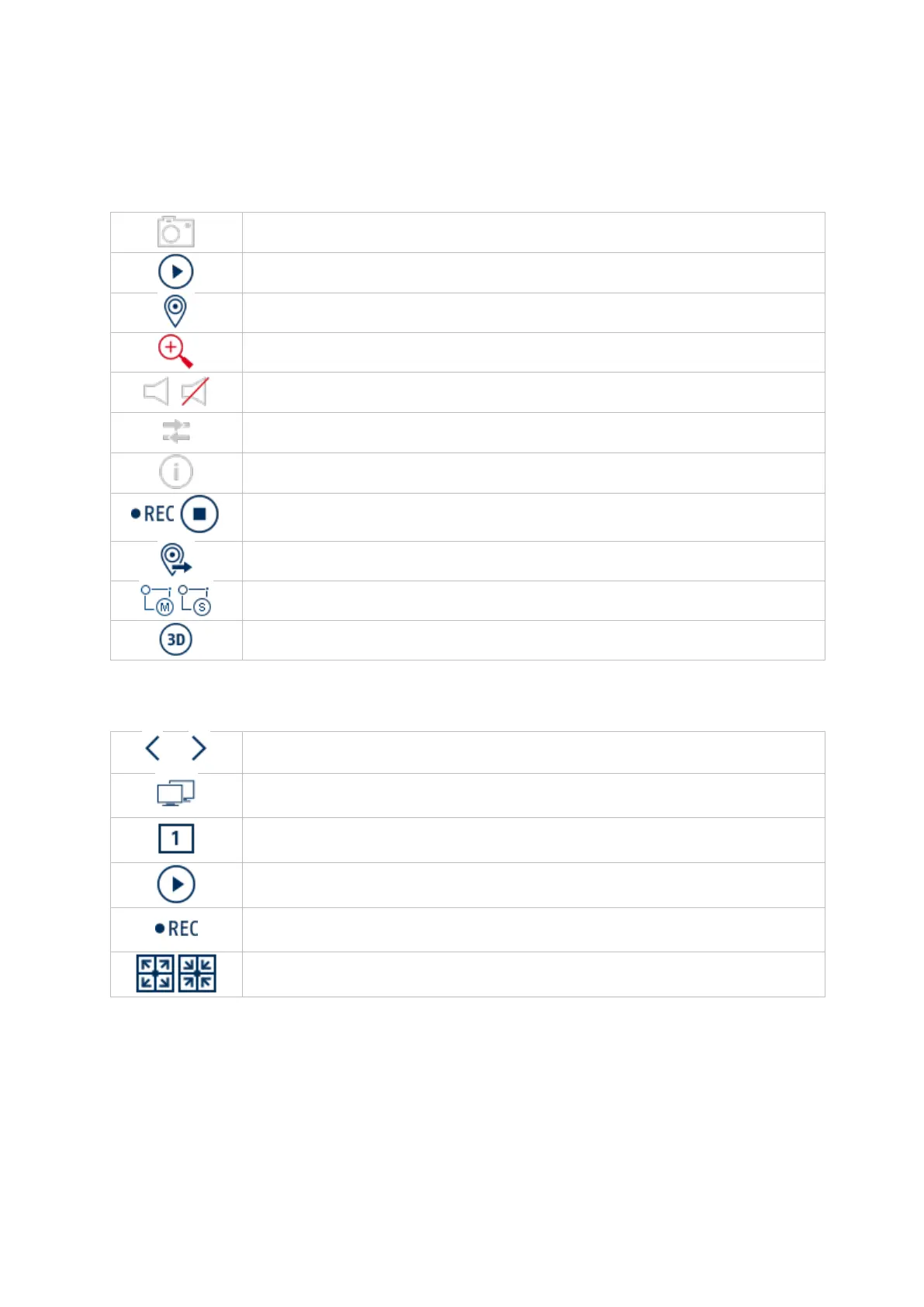
Camera menu
Camera command
Display menu
Generates an instant image
Starts playback of the last 5 minutes
Opens the display priority
Shows information on the video stream
Starts/ends the recording, ATTENTION: This function overwrites the
existing recording schedules.
Opens a menu for changing views when using fisheye cameras
Switches between stream 1 and stream 2
Switches 3D positioning on/off
Switches between view pages
Changes to second monitor
Open the camera layout selection
Starts/ends sequential display
Starts/ends the recording for all cameras
Starts/ends full-screen display



 To Next Page