30
By clicking on the “Advanced” button, you can also apply the following settings.
You will find the following setting options under “Advanced”:
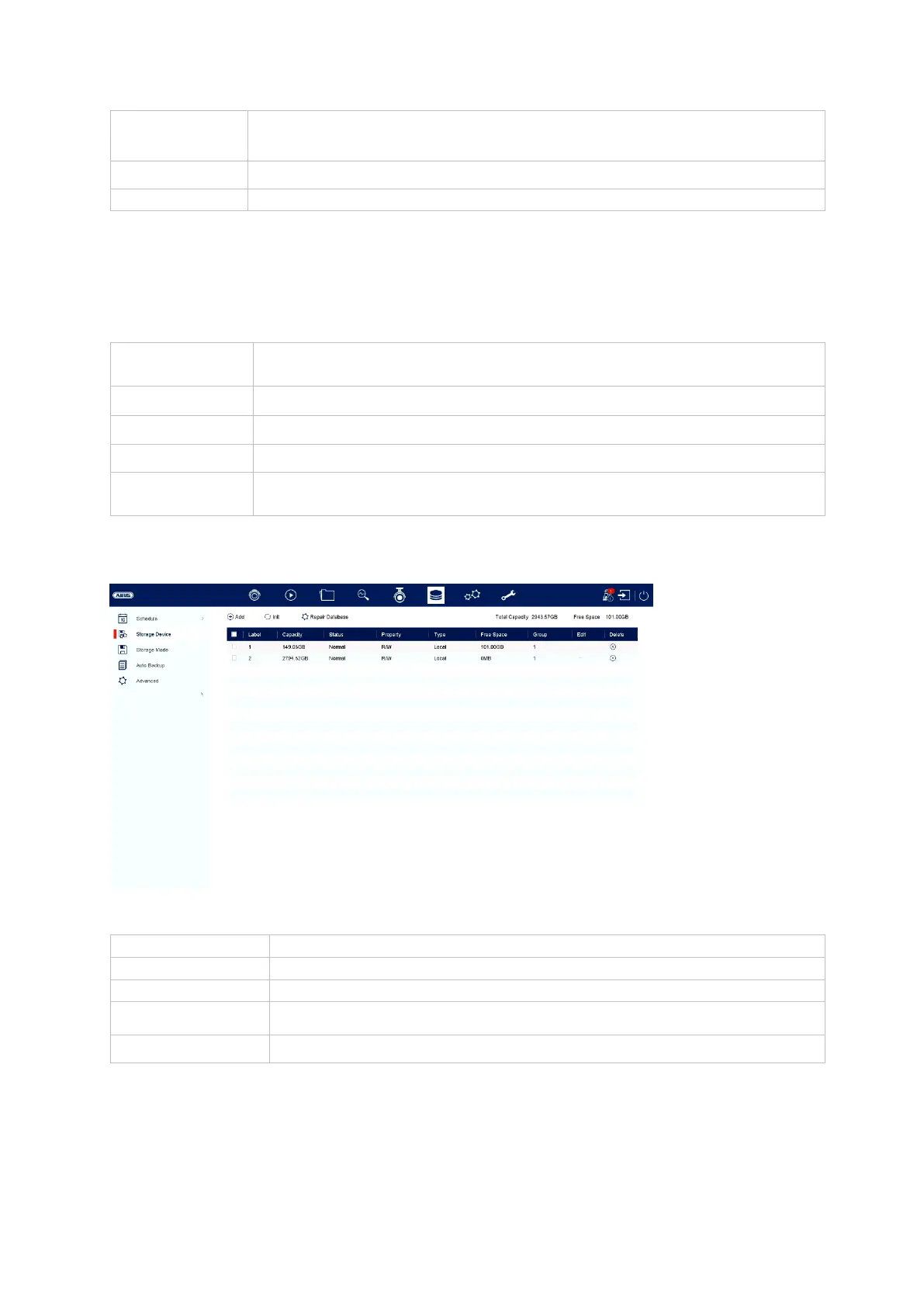
Storage medium
Here you can configure local or network-based storage media and view their status.
An image is only saved for simultaneous motion detection and
alarm input
Here you can edit the settings in list form
Shows the setting for continuous recording and event
Select the image resolution
Select the interval to be triggered
Can be set between 0 and 5 minutes
Initialise (format) the memory
Rebuilds all databases; the files are not deleted.
Shows the total storage space
Shows the total free storage space



 To Next Page