13
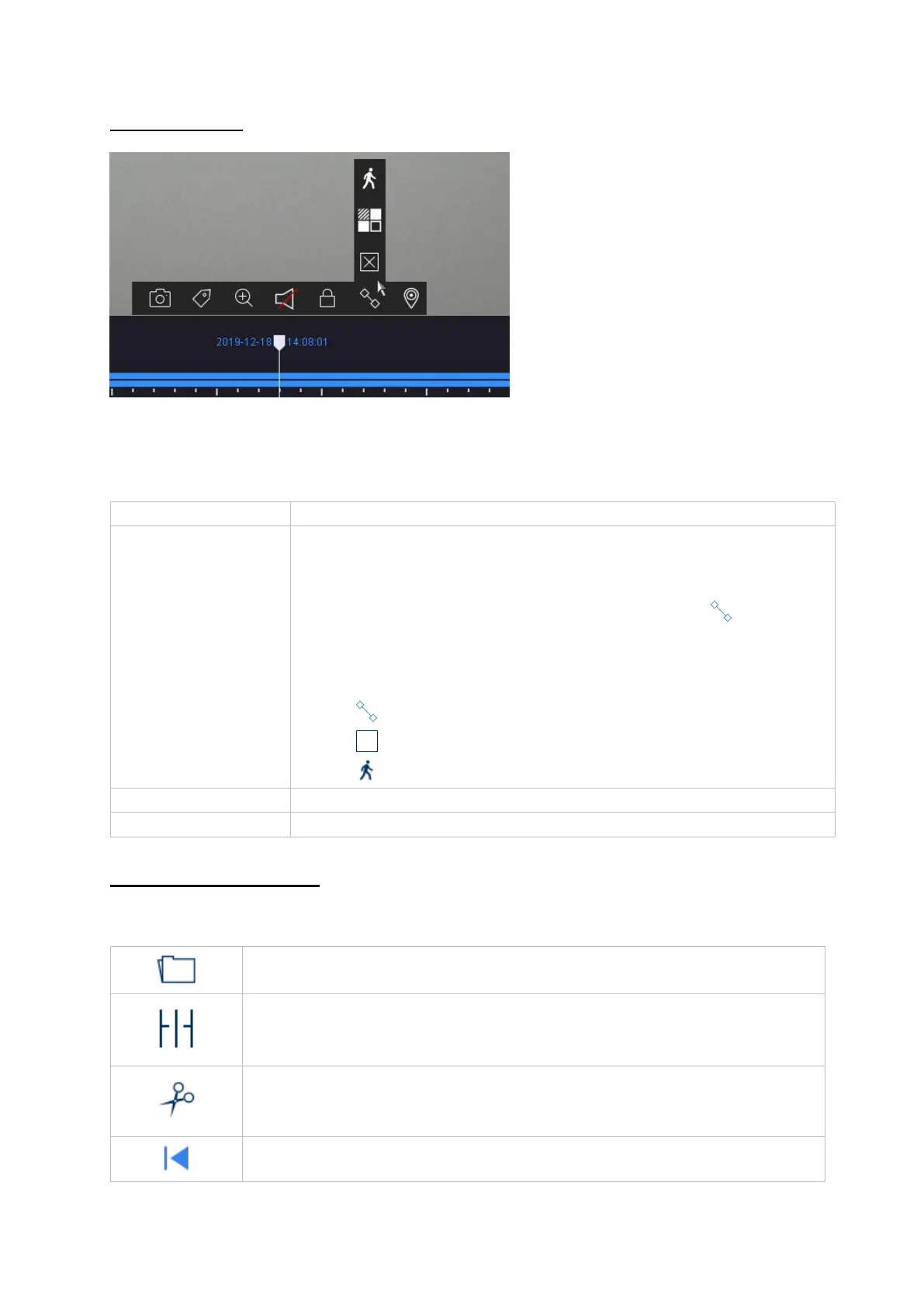
Time bar filters
There are four different filters for simplifying the search for particular recordings. The
display of the time bar is always adjusted as well.
Controlling the time bar
You can choose from the following functions below the time bar:
Shows all continuous recordings
• Shows all recordings triggered by a VCA function, e.g.
tripwire
• You can search in existing recordings in a targeted
manner using a VCA function. Click on the icon in the
camera command bar.
You can choose from the following three VCA functions:
Tripwire
Intrusion detection
Motion detection
Use the “User-defined search” function first.
Displays the added tags in the time bar
Opens the menu for playing back recordings from external data
storage devices
The recordings of the selected camera are played back in quad
display at various points in time. This makes it quicker to home in on
events.
Makes exporting video clips fast and simple. You have the option to
search the calendar. The time of the video clip can also be defined
by sliding the red brackets on the time bar.



 To Next Page