49
Live view
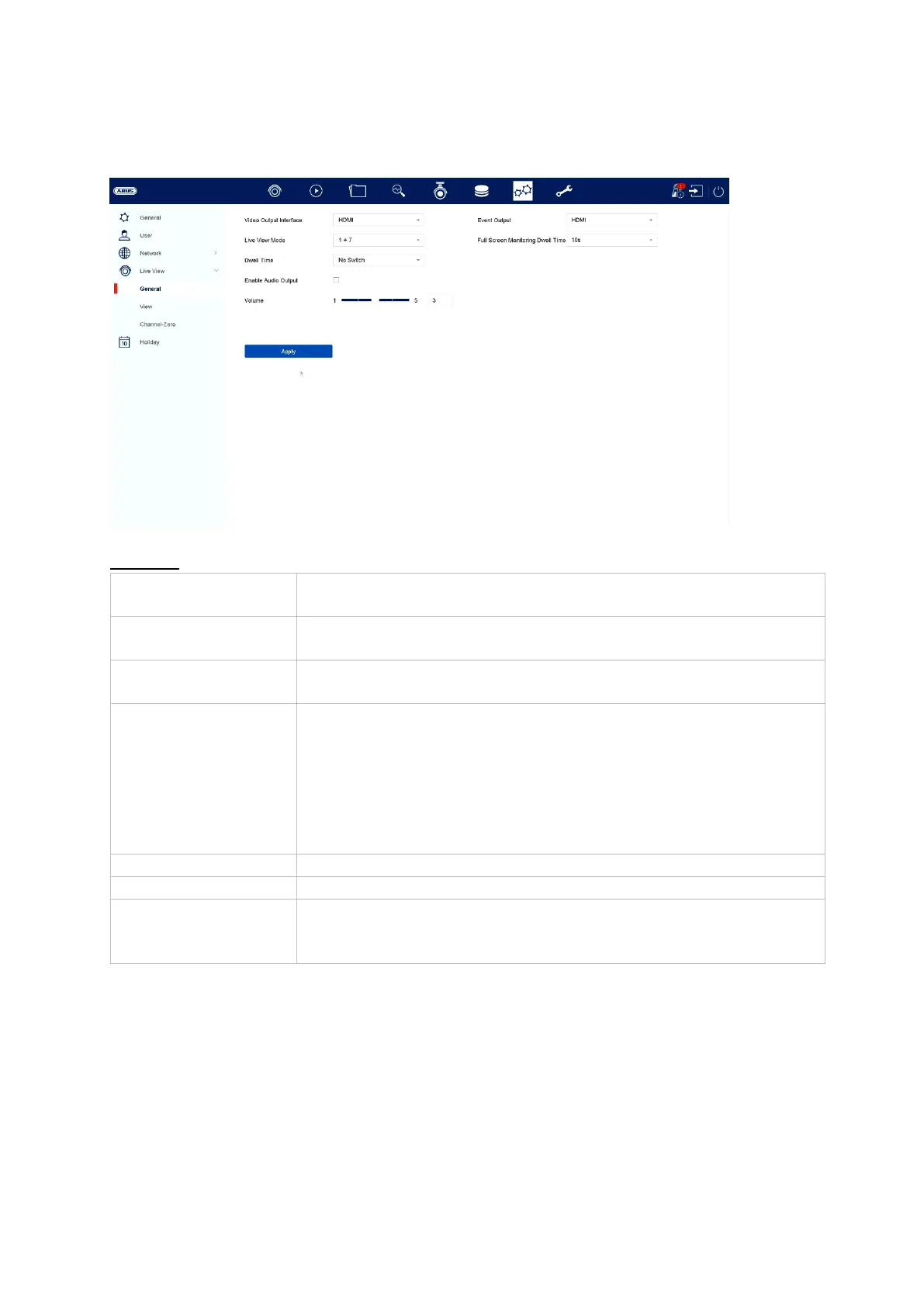
In the live view menu, define the behaviour of the local image output on the recorder.
General
Here you can select which connection you want to change the
settings for
Here you can select the camera layout:
1x1, 2x2, 1+5, 1+7, 3x3, etc.
Here you can select the switching time between the individual
cameras during auto-switch.
Activates the audio output for the live view.
VGA: If this option is selected, the audio output takes place
via the cinch sockets on the back of the recorder
HDMI: If this option is selected, the audio output takes place
via the HDMI interface
Here you can adjust the volume
Here you can select the monitor for outputting events
Full Screen
Monitoring Dwell
Time
Here you can specify the length of time (in seconds) for which
the event should be displayed on the assigned monitor



 To Next Page