16
Export search results
Search results can be exported quickly and easily. Select the video or image to be
exported (multiple selection is possible) and click on the “Export” button.
During export, you can also export the log file and a video player in addition to the
recordings.
6) Intelligent analysis
Important: Only with cameras that support people counting/heat map functions. The
relevant function must be activated in the camera itself and saved on the microSD
card of the camera.
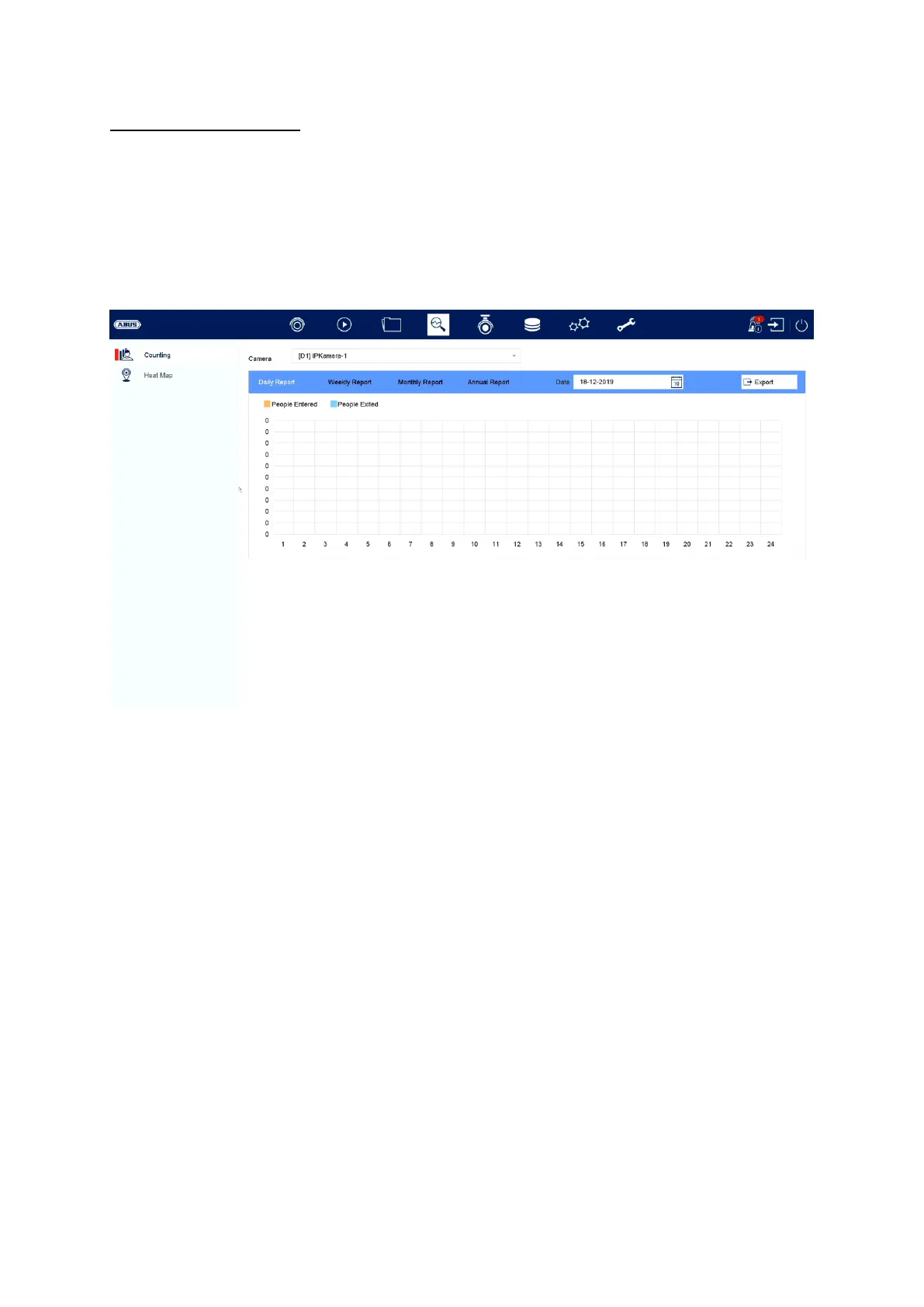
People counting:
Select the camera with the “People counting” function. Select the desired time period
in the calendar and select the desired report type. (Daily, weekly, monthly, yearly
report). The people entering and leaving will then be shown in the statistics. These
can be exported to an external storage medium via the export function.
Heat map:
Select the camera with the heat map function. Select the desired date in the calendar
and select the desired report type. (Daily, weekly, monthly, yearly report). Click on
“Count” to call up the heat map image. This image can be exported to an external
storage medium via the export function.



 To Next Page