32
Add NetHDD
Click on “Add” to add a network drive.
Important: It is recommended to use a single volume per NVR on the NAS, as using
multiple volumes can cause problems.
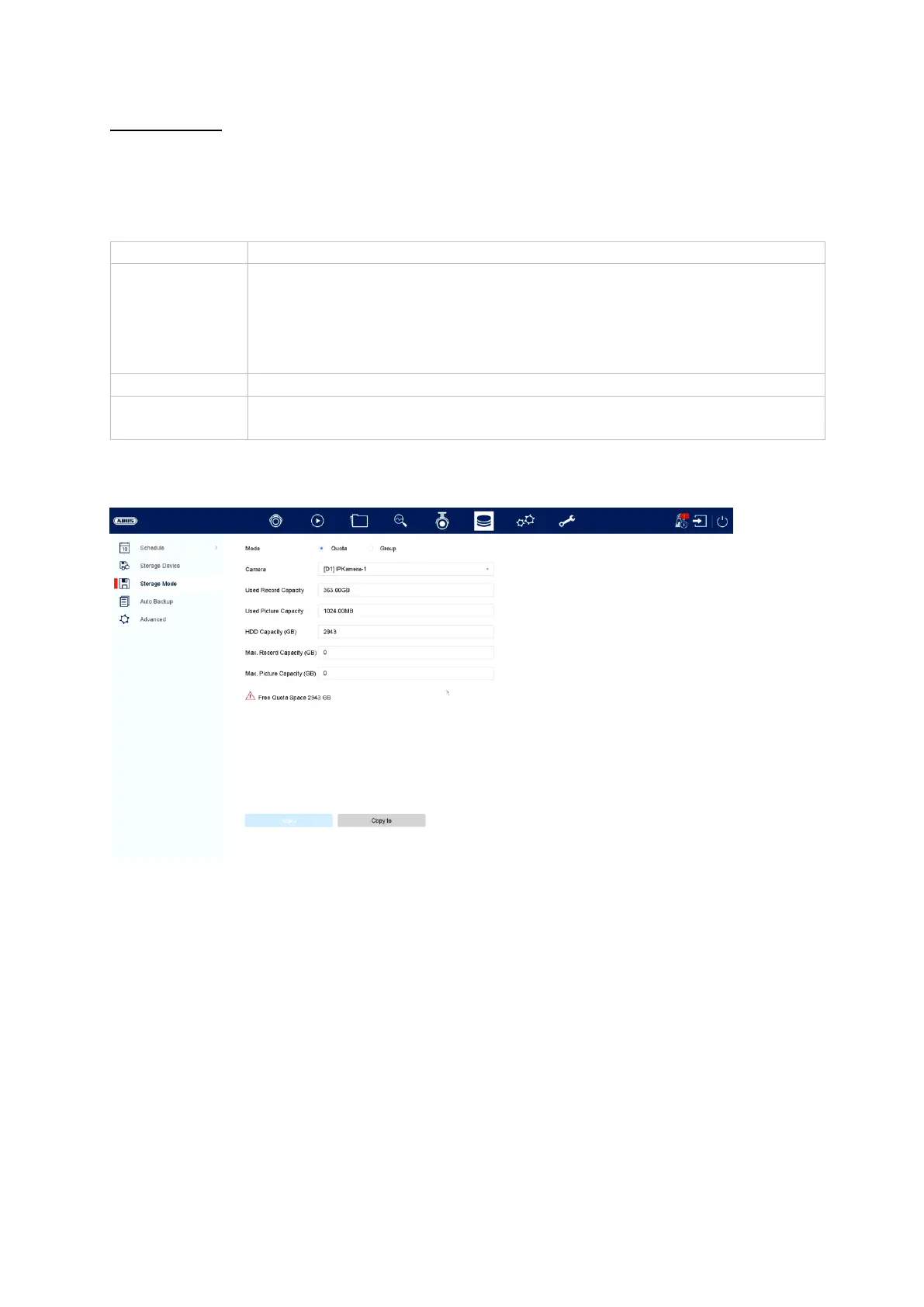
Storage mode
Set the recorder’s storage mode in this menu. Two different storage modes are
available in order to either divide video data among all the hard disk drives or to allow
for targeted write operations for individual storage devices.
• NAS: For this setting, your network storage must support the
NFS file system.
• IP SAN: For this setting, your network storage must support
the iSCSI protocol.



 To Next Page