25
Event
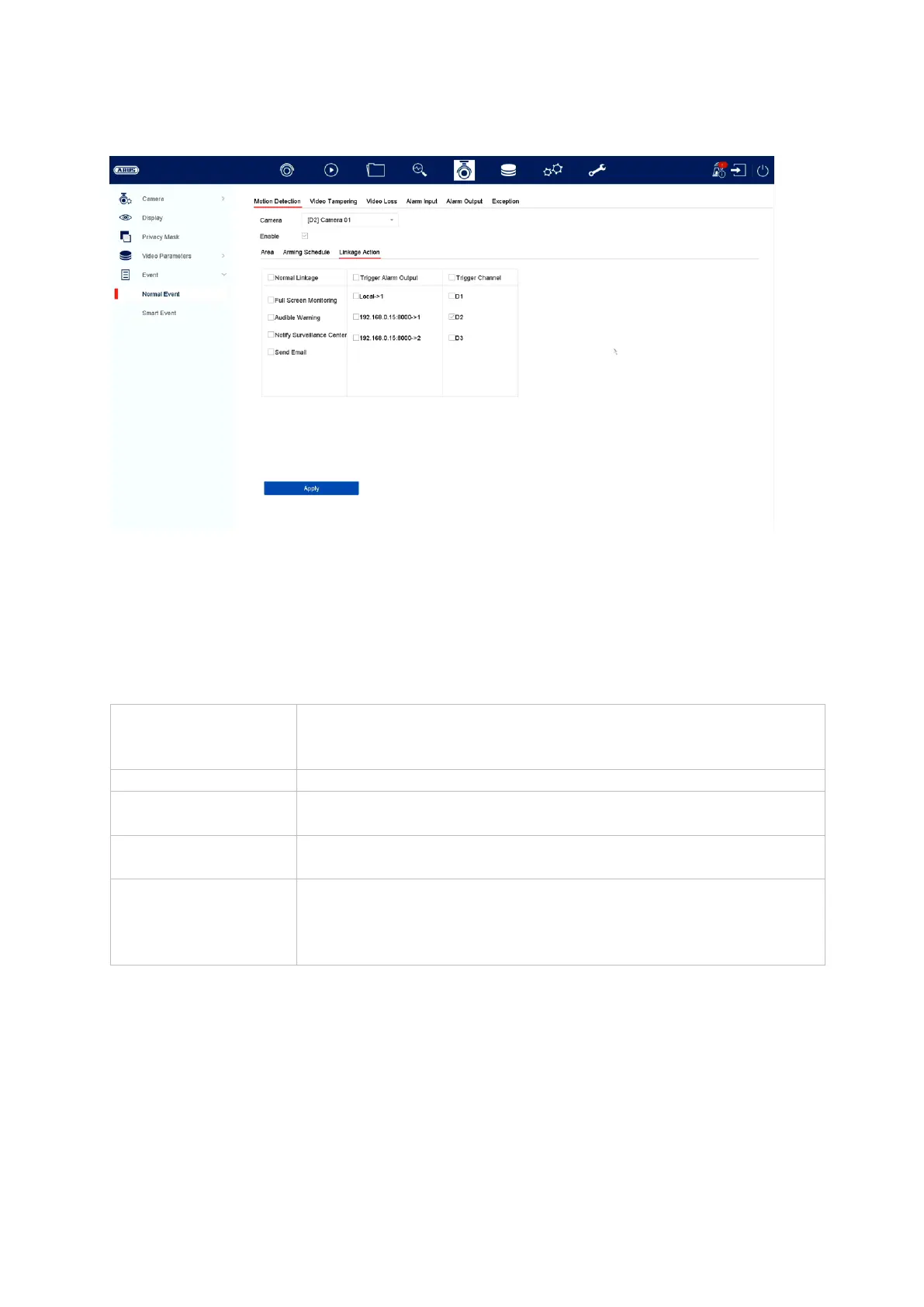
In the “Event” menu, you can define which reactions should be triggered during an
event (e.g. motion detection).
For some events it may be necessary to define an area, sensitivity and schedule
(when the event in question should be monitored). You can also select the following
“Linkage actions” as reactions to the event.
Under “Trigger channel” you can specify which cameras are triggered and recorded
in an event.
Displays the triggered camera in full screen on the local
monitor. (Configuration of full-screen output under “System” /
“Live view”)
Triggers a warning tone on the recorder
Sends a push notification to the ABUS CMS or ABUS Link
Station App
Sends an email (the recipients + SMTP must be set up in
advance)
Triggers the local alarm output.
Note: The number of alarm outputs varies depending on the
model and cameras connected.



 To Next Page