23
Layout
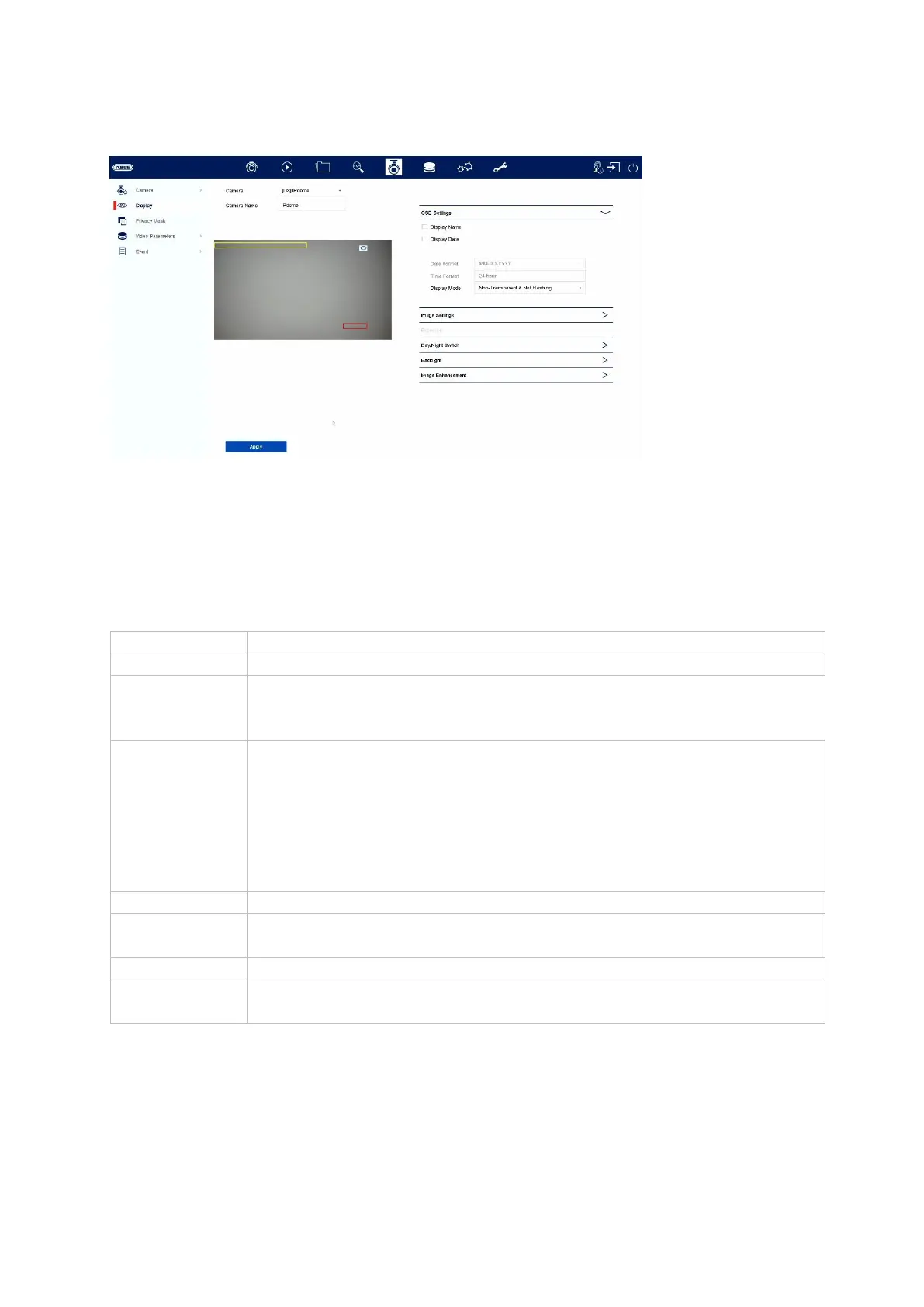
You can adjust the display settings for each individual camera. You can alter the
position of the camera name and date and time directly in the live image displayed.
Important: The range of settings may vary depending on the camera model used.
You will find more information on the settings in the user guide for the camera.
Select the camera you would like to set
You can change the name of the camera here
Here you can specify what should be displayed in the camera
image and in which format:
Name, date, day of week
Here you can set the brightness, contrast and saturation of the
image.
Depending on how the camera is installed, it may be necessary to
apply the following settings:
Corridor mode: Rotates the image by 90°
Mirror mode: Flips or mirrors the image.
You can adjust the exposure time of the camera here
Here you can adjust the behaviour of the day/night switching and
activate/deactivate SMART IR.
You can adjust the WDR behaviour of the camera here
You can adjust the digital noise reduction (DNR) of the camera here



 To Next Page