34
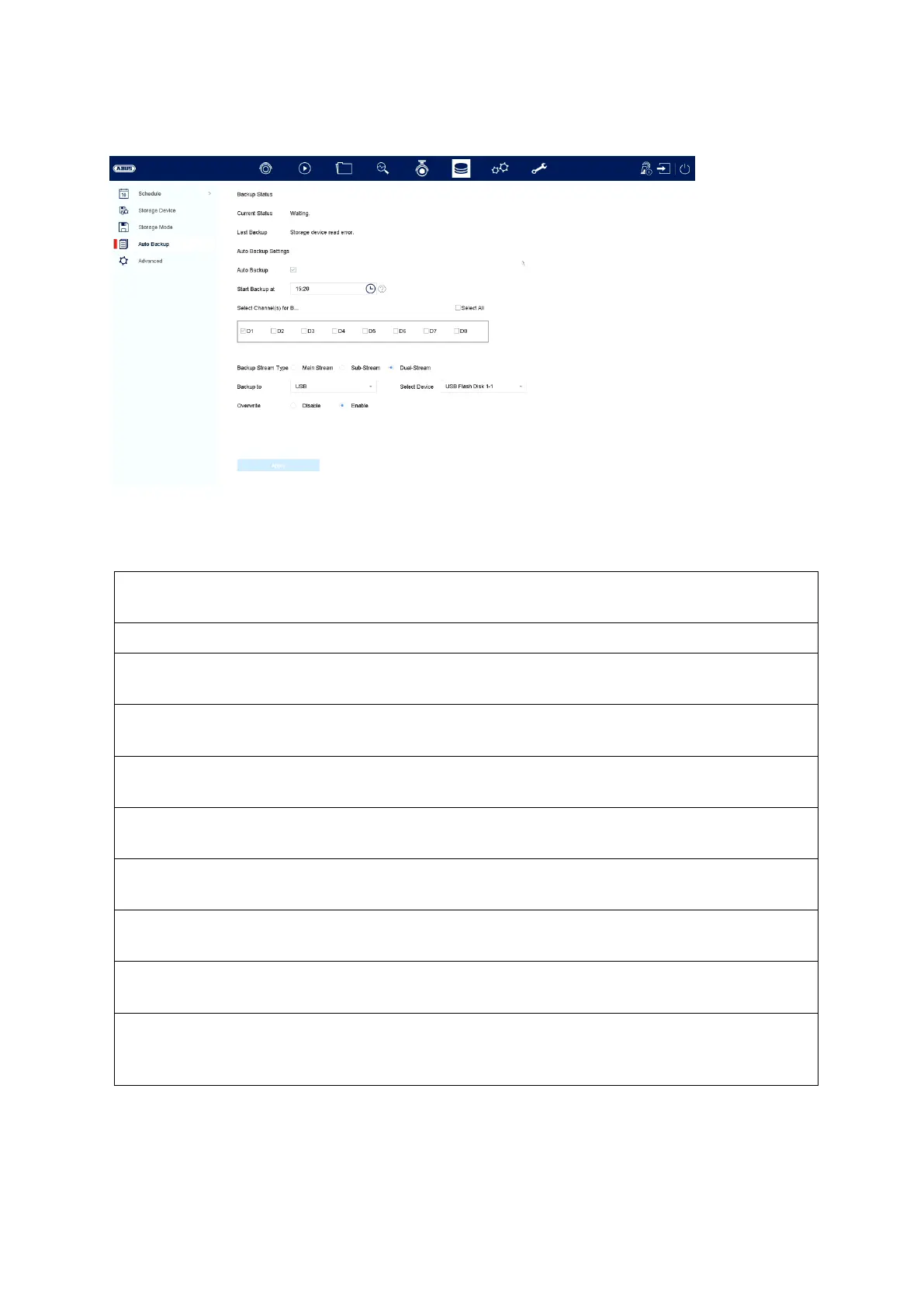
Auto backup
Here you can set up automatic backup. The last 24h are automatically exported to a
USB / eSATA device.
Displays the progress of the backup
procedure
Displays the current status.
Shows whether the last backup was
successful or not
You can set the backup to be carried out
automatically every day
Here you can specify when the backup
should start
Here you can select the camera channel
for the backup
Here you can select the stream for the
backup
Here you can select the type of device to
be used for the backup
Here you can select the connected
device. USB or eSATA (if available)
Use this option to specify whether
existing data of the connected device
may be overwritten



 To Next Page