12
Playback control
Then, click on the time bar to start/continue the playback from the desired time.
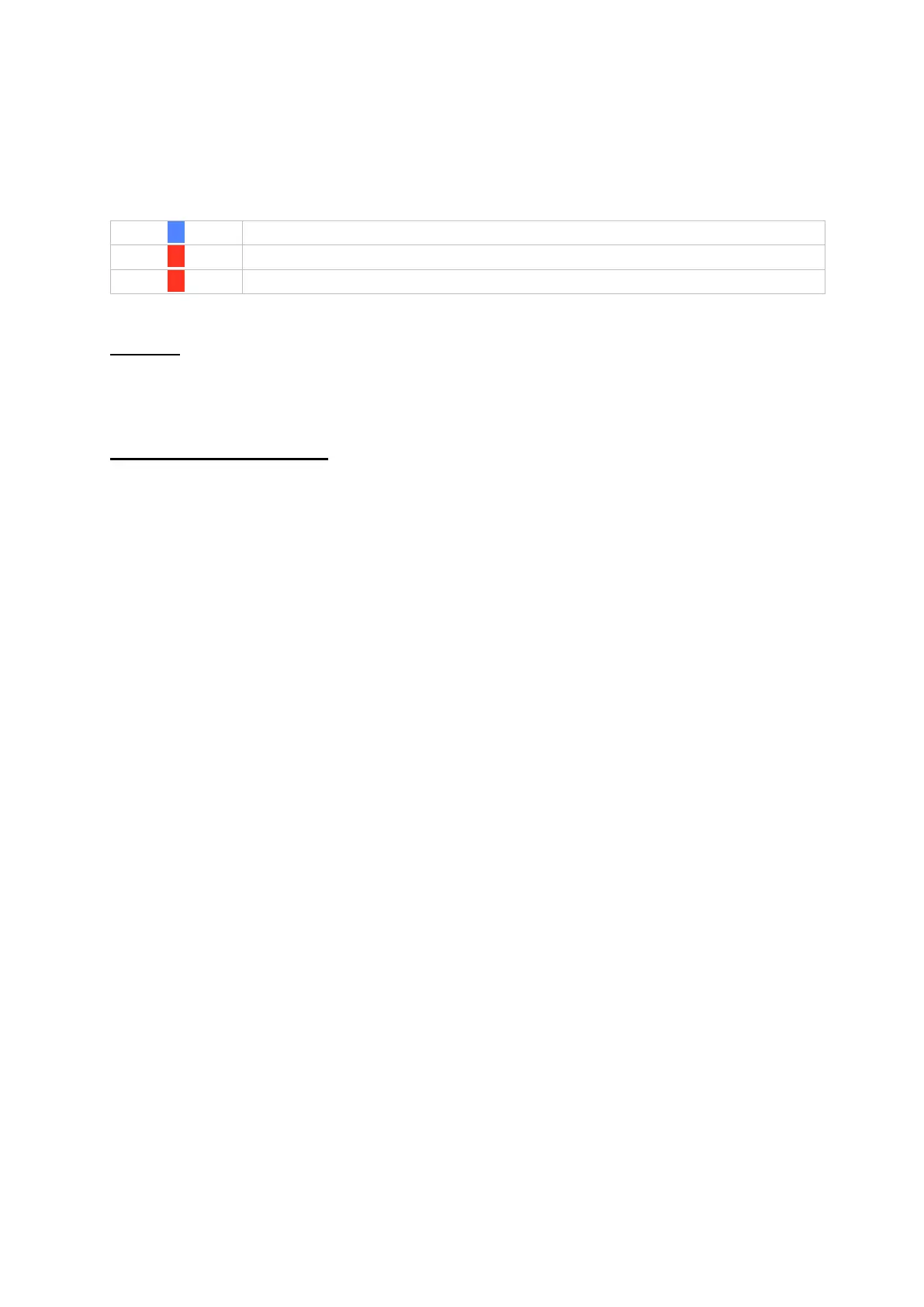
Recordings are shown by coloured bars in the time bar. The colour coding is
explained below:
Preview
This function gives you a quick overview. Position the cursor over the time bar to
display nine previews for the selected time.
Time display on time bar
The standard display range setting for the time bar is 20 minutes. This means that
the last 10 minutes before and the next 10 minutes after the current playback time
are shown on the time bar. The timeline can be scaled as follows:
5 minutes, 10 minutes, 20 minutes, 1 hour, 2 hours, 4 hours, 8 hours, 12 hours, 16
hours, 20 hours, 1 day.



 To Next Page