QUALITY CONTROLS - 5
VerifyNow System User Manual Page 28 14340.J
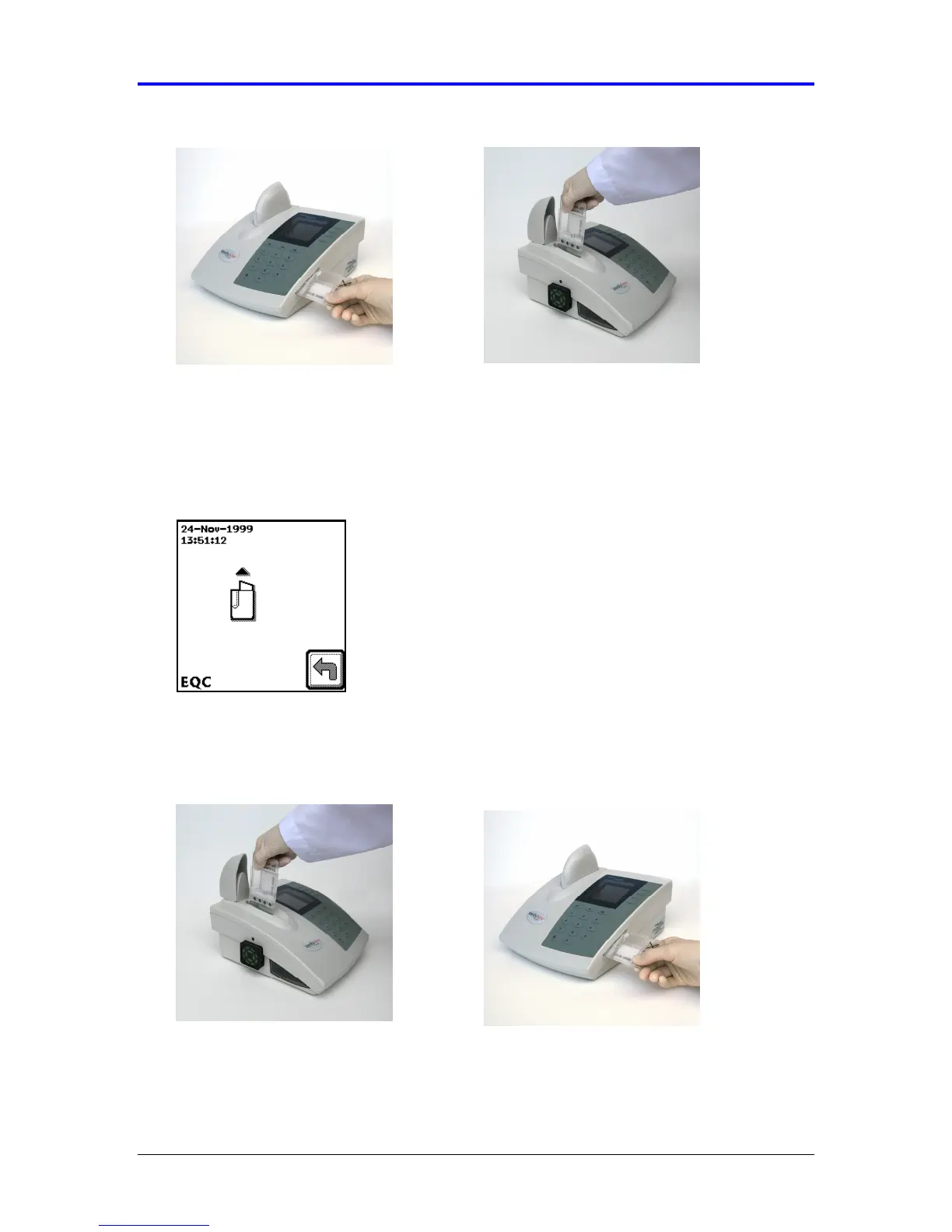
Figure 5-3 Insert Device
5.
The instrument will automatically proceed with the EQC test. A countdown screen
will display while electronic quality control is in progress. When the electronic
quality control is complete, the instrument will beep and prompt the user to
completely remove the EQC device from the assay port (Figure 5-4).
Figure 5-4 Prompt
6.
Open the cover. Remove the EQC device and return it to the storage bay (Figure
5-5). Close the cover.
Figure 5-5 Remove Device
7.
After the EQC device is completely removed from the port, a calculation screen
will display briefly prior to displaying the final result. Wait for the electronic quality
control results to display.



 To Next Page