The following information areas are to be distinguished on the basic screen:
a) Information area for the frequency band
Please, see Figure 3-2 | Basic screen, Pos. (a).
The edges of the currently selected BAND are displayed. If the amplifier doesn't receive any operating
frequency data from CAT or via RS-232, it will switch to the last used band.
It changes automatically in case the amplifier is sent a signal in a frequency range, different than the one
currently selected. However, it is recommended to manually change to the intended range using the
band-selection buttons (see Figure 3-2 | Basic screen, Pos. 2).
b) Operating values
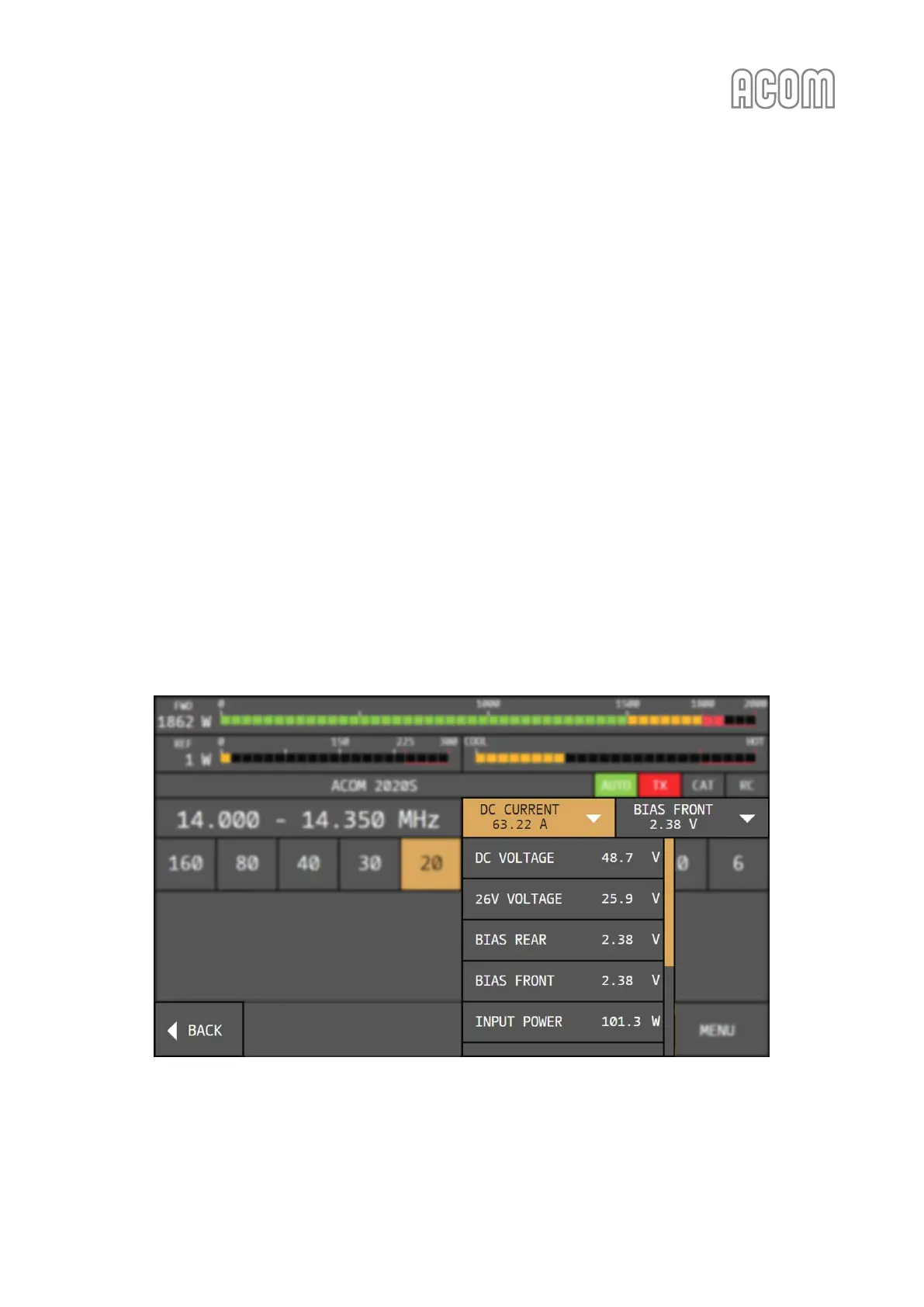
Please, see two parameter panels on Figure 3-2 | Basic screen, Pos. (b).
Any two selected parameters will be shown here. Each of them displays the value of a selected parameter.
The parameter to be displayed can be chosen by touching either panel and selecting a parameter from the
drop-down list. As the list is longer than the screen space, it can be scrolled by dragging with a finger. To
avoid confusion, the panel for which a parameter is being chosen is highlighted while the drop-down list is
visible. The wanted parameter is chosen by a single touch.
Once a new parameter is selected, the list closes automatically. The list can also be closed without selecting
a new parameter by touching the BACK button (see Figure 3-3 | Basic screen - Operating values) or by
touching the highlighted panel.
Figure 3-3 | Basic screen - Operating values
Figure 3-3 | Basic screen - Operating values



 To Next Page