The virtual keypad functions similarly to the virtual keyboard with the addition of real-time checking the
validity of the entered IP address format. For example, it will not allow the value of an octet to be above
255 and will not allow a fifth octet.
For details on NETWORK SETTINGS and how to connect ACOM 2020S to your LAN
network, please, contact a local IT professional or your Internet provider.
5.7. Menu AMP UPDATE
The menu AMP UPDATE is accessible from the MENU SELECTION screen (see Figure 5-1 | MENU SELECTION).
This menu is used for updating the firmware of the amplifier.
Please, see Section 7.5 Firmware.
5.8. HELP information
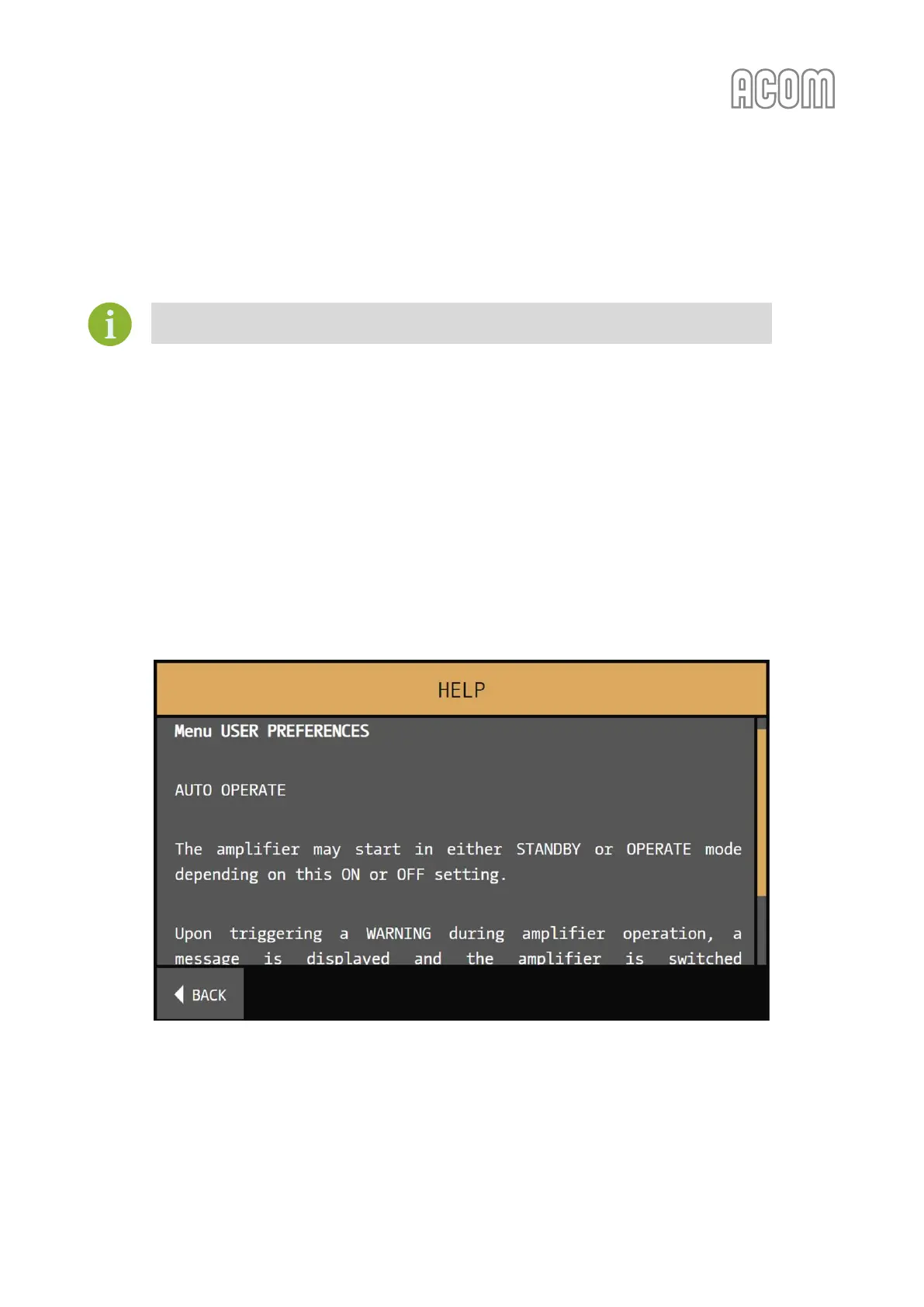
You can find HELP button in many of the amplifier's menus. This is a context sensitive information and
when the button is touched will display the help information for the particular menu.
Figure 5-12 | HELP information
Figure 5-12 | HELP information



 To Next Page