5.5. Menu RESTORE DEFAULT SETTINGS
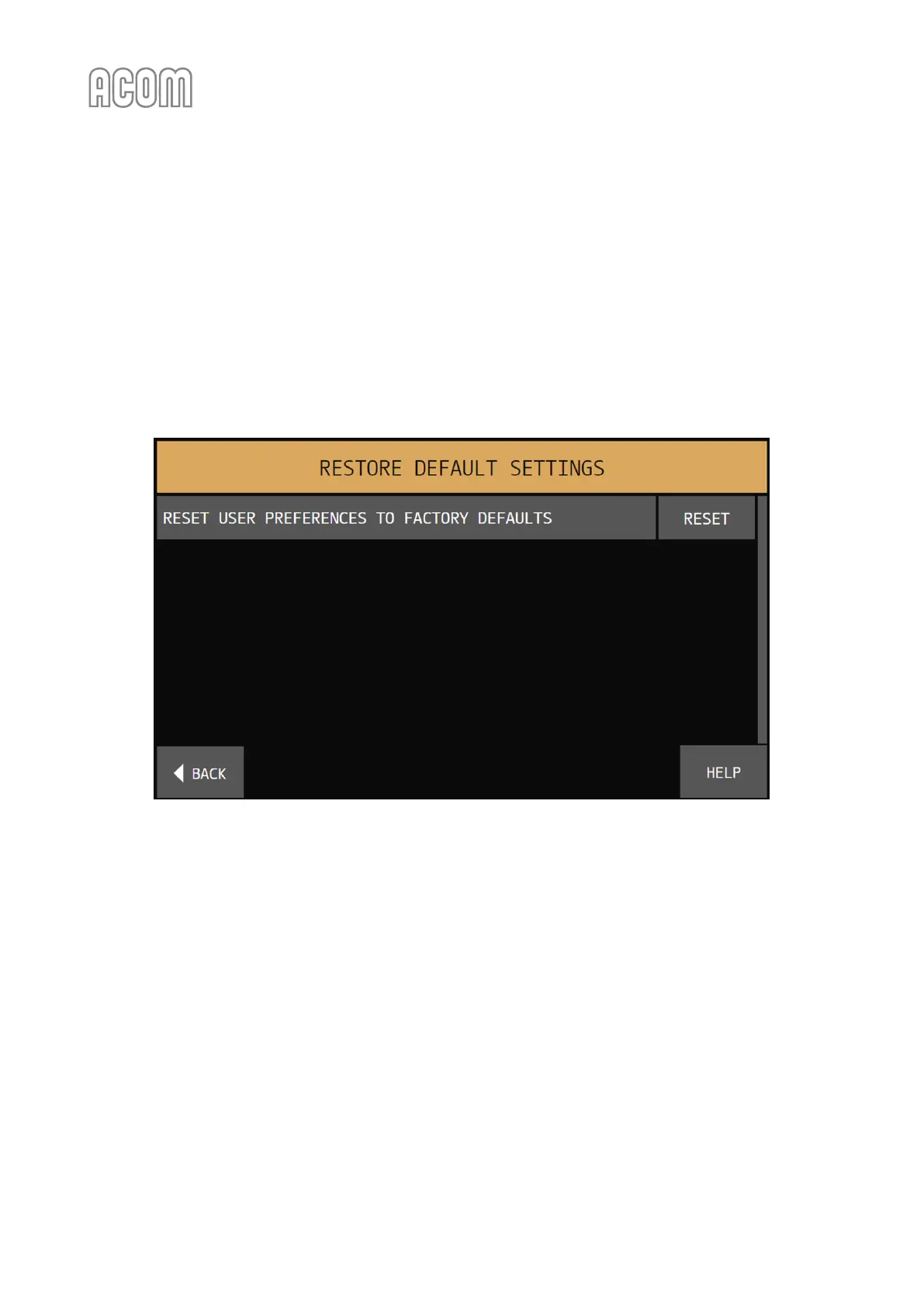
The menu RESTORE DEFAULT SETTINGS (see Figure 5-9 | Menu RESTORE DEFAULT SETTINGS) is accessible from
the MENU SELECTION screen (see Figure 5-1 | MENU SELECTION).
Two different factory-reset options are available (see Figure 5-9 | Menu RESTORE DEFAULT SETTINGS):
• RESET USER PREFERENCES TO FACTORY DEFAULTS
Resets User Preferences (the settings from Menu USER PREFERENCES) to their factory default
values.
Figure 5-9 | Menu RESTORE DEFAULT SETTINGS
Figure 5-9 | Menu RESTORE DEFAULT SETTINGS
To reset a setting, touch the corresponding RESET button. This will invoke a confirmation screen with RESET
and CANCEL buttons. Touch again RESET button to confirm resetting and return to the FACTORY RESET
menu or touch CANCEL button to return to FACTORY RESET menu without resetting.



 To Next Page