5. MENUS - SETTINGS AND SERVICE FUNCTIONS
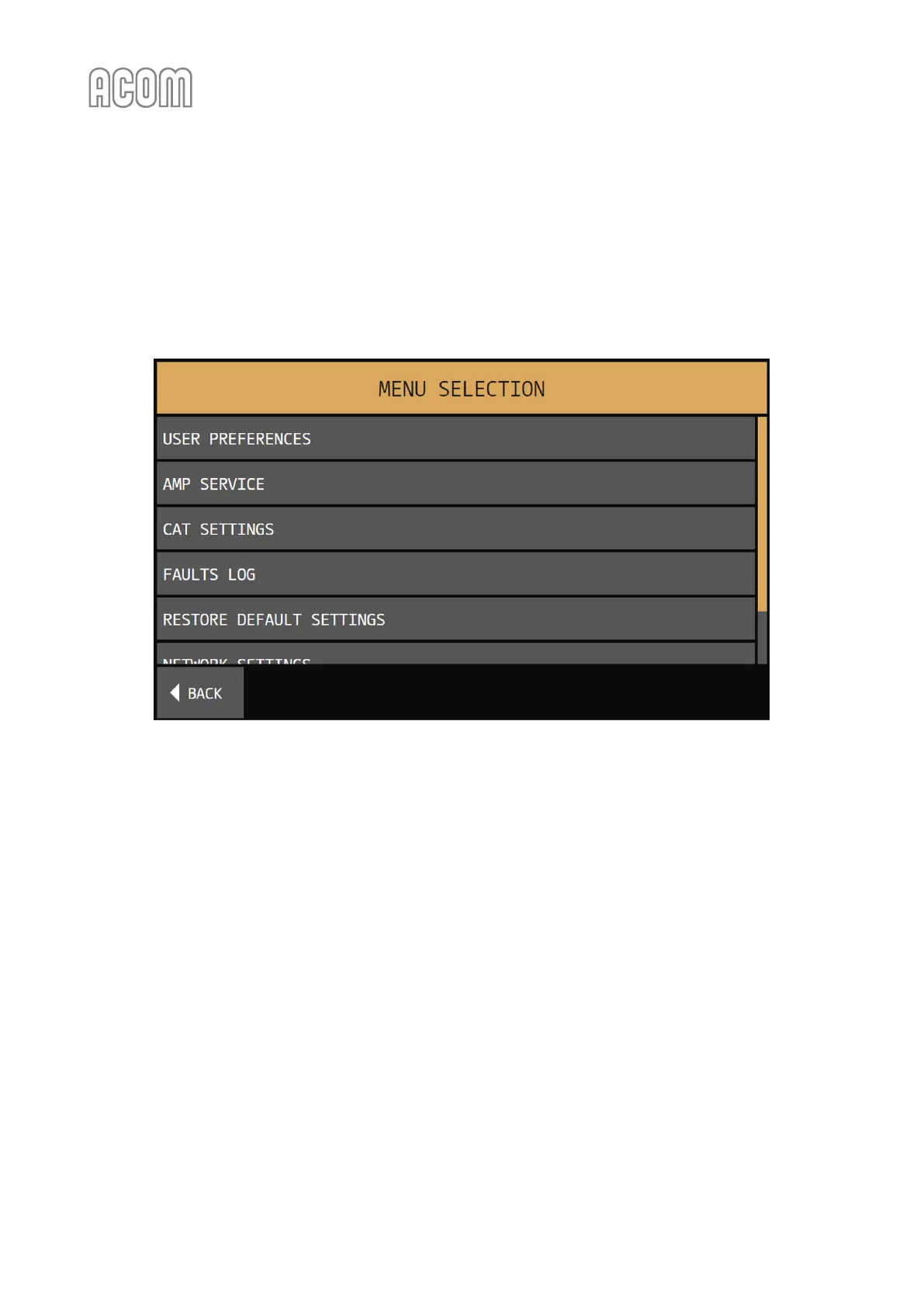
By pushing the MENU button (see Figure 3-2 | Basic screen, Pos. 3), the user invokes the MENU SELECTION
screen (see the figure below). Each menu can be selected by a finger touch. Close the MENU SELECTION
screen by touching the BACK button. The choices are described in the Sections below.
Figure 5-1 | MENU SELECTION
Figure 5-1 | MENU SELECTION



 To Next Page