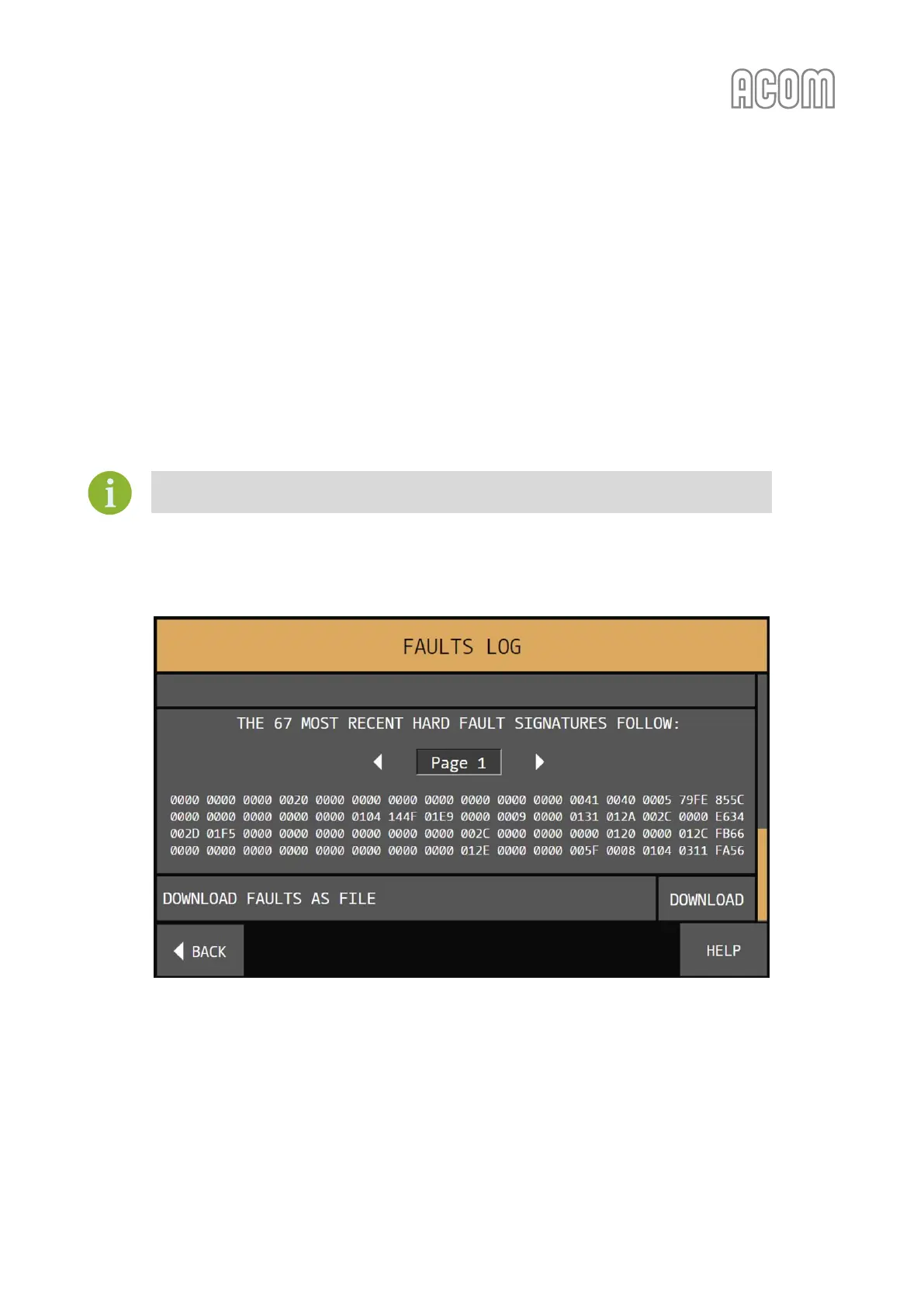
5.4. Menu FAULTS LOG
The menu FAULTS LOG (see Figure 5-8 | Menu FAULTS LOG) is accessible from the MENU SELECTION screen
(see Figure 5-1 | MENU SELECTION).
This function dumps on the screen the information stored in the amplifier's memory about the last 28
HARD FAULT protection trips. The information may be also downloaded in a plain-text format file through
the RS-232 port and a computer using a standard terminal emulating program (TTY).
Also, in FAULTS LOG reading mode the amplifier can save the file to USB memory stick (see Section 2.5.f)
RCU's USB interface connector).
Saving a faults log file to USB memory is a functionality under development and will be
available in a future firmware versions.
Please, see Section 7.4 Using the Fault Codes (signatures) for Diagnostics.
Figure 5-8 | Menu FAULTS LOG
Figure 5-8 | Menu FAULTS LOG
In the Log-file title individual information about the amplifier and the options is given: model, user call sign,
serial number, revisions of the hardware, firmware, bootloader, and number of worked hours.
Further on, the downloaded file contains detailed information about 55 parameters, operating frequency,
and what event has tripped the protection.



 To Next Page