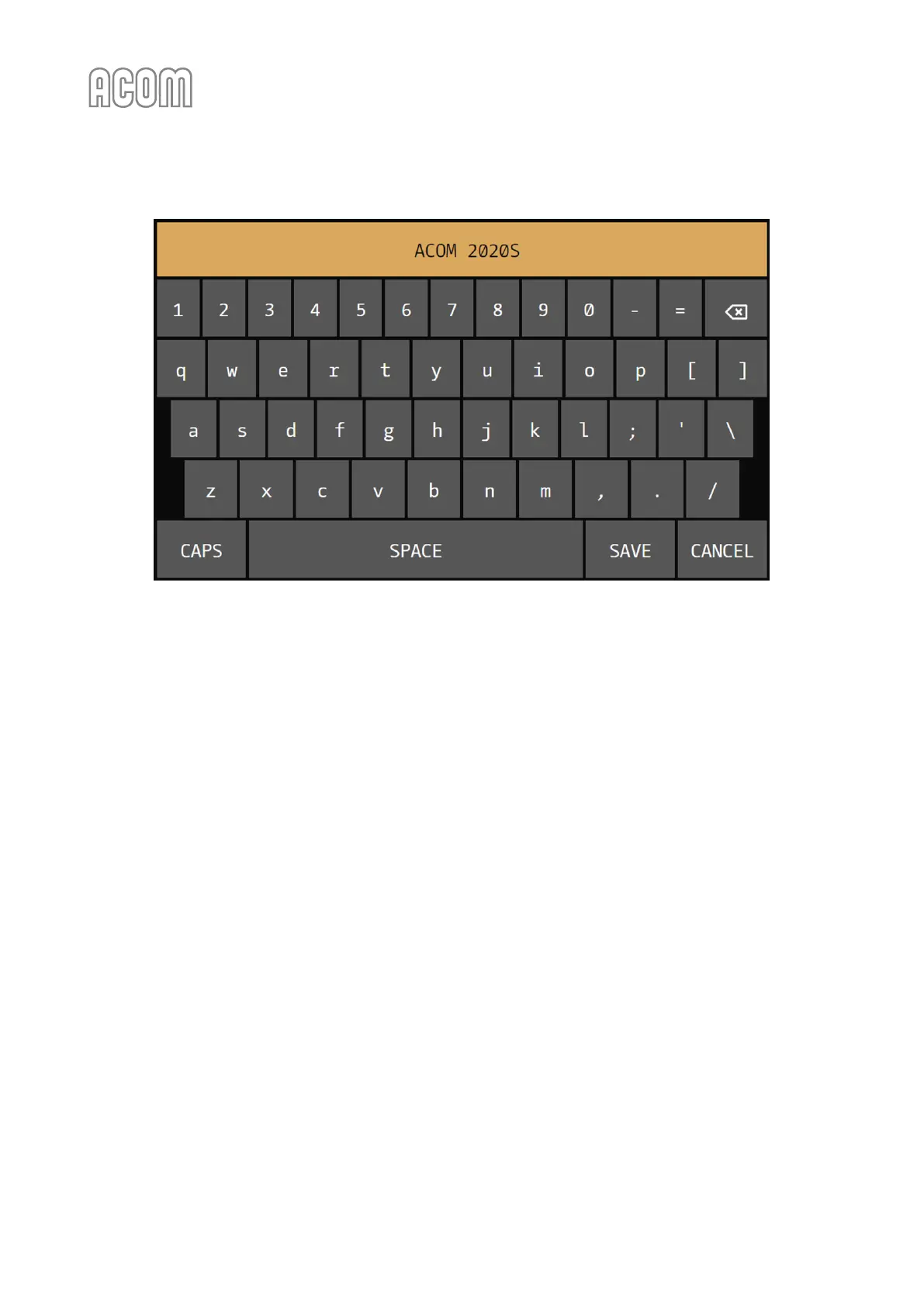
Figure 5-3 | Virtual keyboard
Figure 5-3 | Virtual keyboard
c) OPERATE ACCESS
When the OPERATE ACCESS user setting is locked, the amplifier remains in STANDBY and cannot be
switched to OPERATE unless unlocked in the same menu. Passwords are not used - this is only a simple
protection against possible child actions, or involuntary switching to OPERATE mode. While locked, the
STANDBY/OPERATE button is disabled if not in OPERATE mode.
d) BUZZER VOLUME
BUZZER VOLUME user setting is used to set the volume of the built-in buzzer. Values from 1 to 5 can be set
for volume control.
e) DISPLAY BRIGHTNESS
DISPLAY BRIGHTNESS user setting is used to set the brightness of the screen. Values from 1 to 10 can be set
for brightness control.
f) INTERFACE SKIN
The interface of ACOM 2020S is skinnable - it supports various visual skins (styles). The INTERFACE SKIN
control can be used to suit the interface appearance your taste. Please, note that all screenshots in this
User's Manual are from the Default/Classic skin - see Figure 5-4 | Classic skin interface - time proven and
ergonomic, or you may prefer the dark one - Figure 5-5 | Dark skin interface - sleek and elegant below:



 To Next Page