About form fields that span multiple pages
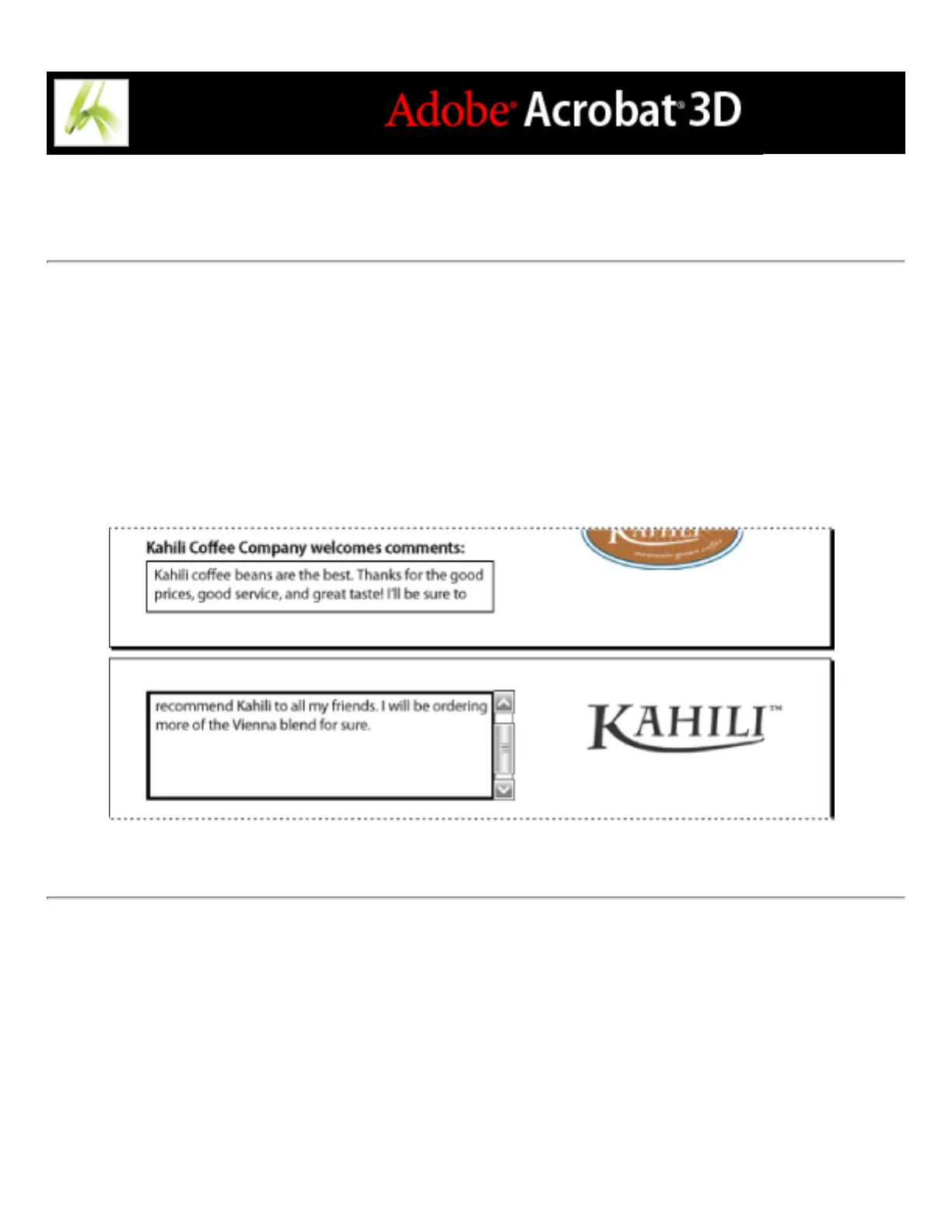
Dynamic PDF forms can contain a dynamic text field that grows in size to accommodate
the data you've entered into it; if necessary, the field may span onto the next page. A scroll
bar appears in dynamic text fields when the data you enter exceeds the current size of the
field; when you're finished entering data and the field is deactivated, the text field expands
to display all of the entered data. If you want to continue editing a dynamic text field that
spans across more than one page, you can begin editing the field on either page; you'll
have access to all of the text in the box, no matter which page the text appears on.
Entering text in a form field that spans across two pages



 To Next Page