Using page thumbnails
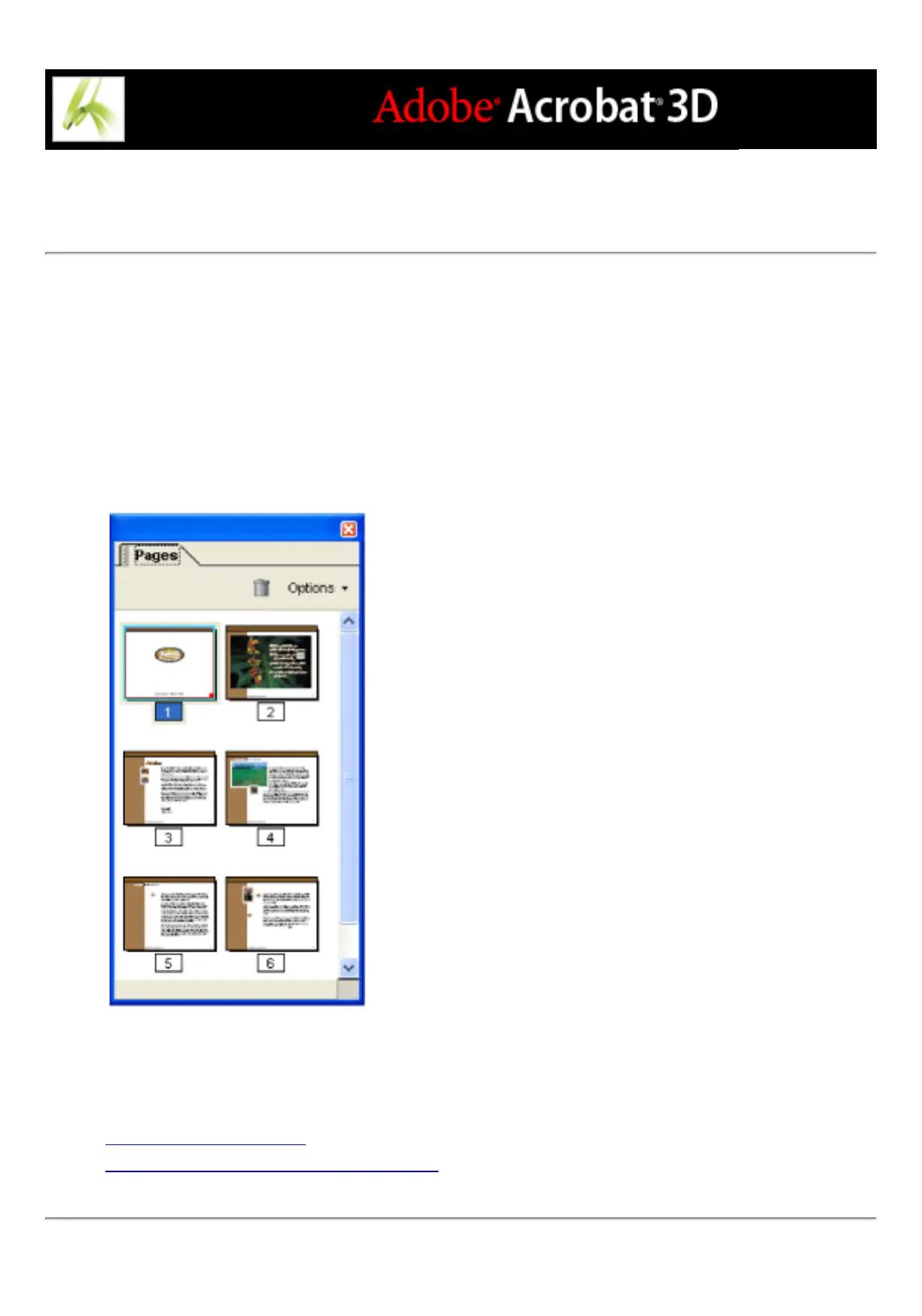
Page thumbnails are miniature previews of the pages in a document. You can use page
thumbnails in Adobe Acrobat to jump quickly to a selected page or to adjust the view of
the page.
When you move, copy, or delete a page thumbnail, you actually move, copy, or delete the
corresponding page. This makes page thumbnails especially useful during the
development phase of an Adobe PDF document.
Page thumbnails
Related Subtopics:
Creating page thumbnails
Adding page actions with page thumbnails



 To Next Page