Working with Preflight results
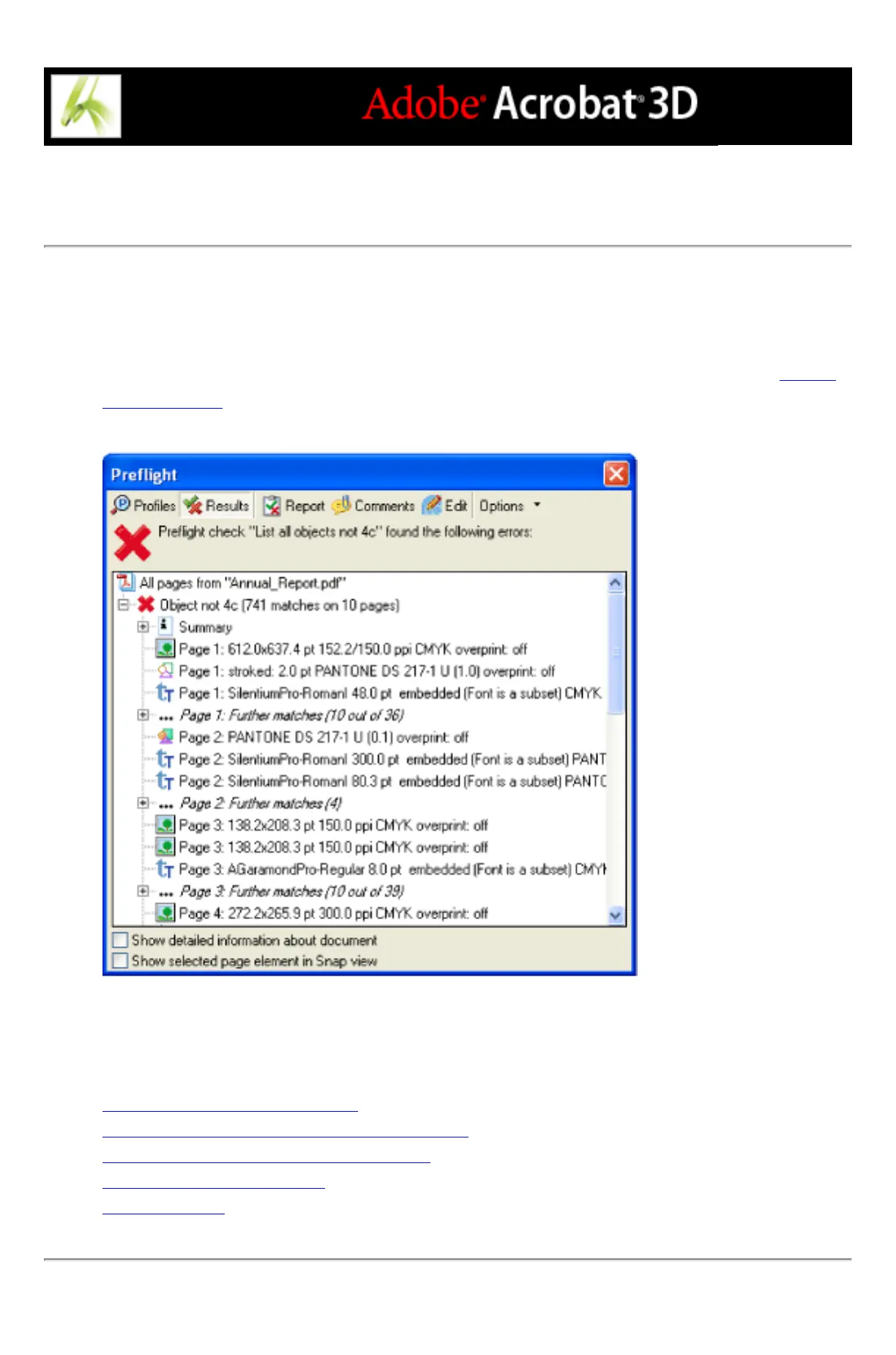
You can view the results of a Preflight inspection as a list, as comments, or individually in
the Preflight dialog box. In the Results list, mismatches appear according to the severity of
the mismatch, with all Errors first, followed by Warnings, and so on. An alert icon appears
next to each rule that was violated according to the selected Preflight profile. (See About
preflight alerts.)
Preflight dialog box with problem objects
Related Subtopics:
Viewing content problems in lists
Viewing content problems in a separate window
Viewing resources and general information
Viewing results as comments
Creating reports



 To Next Page