Previewing how colors overprint
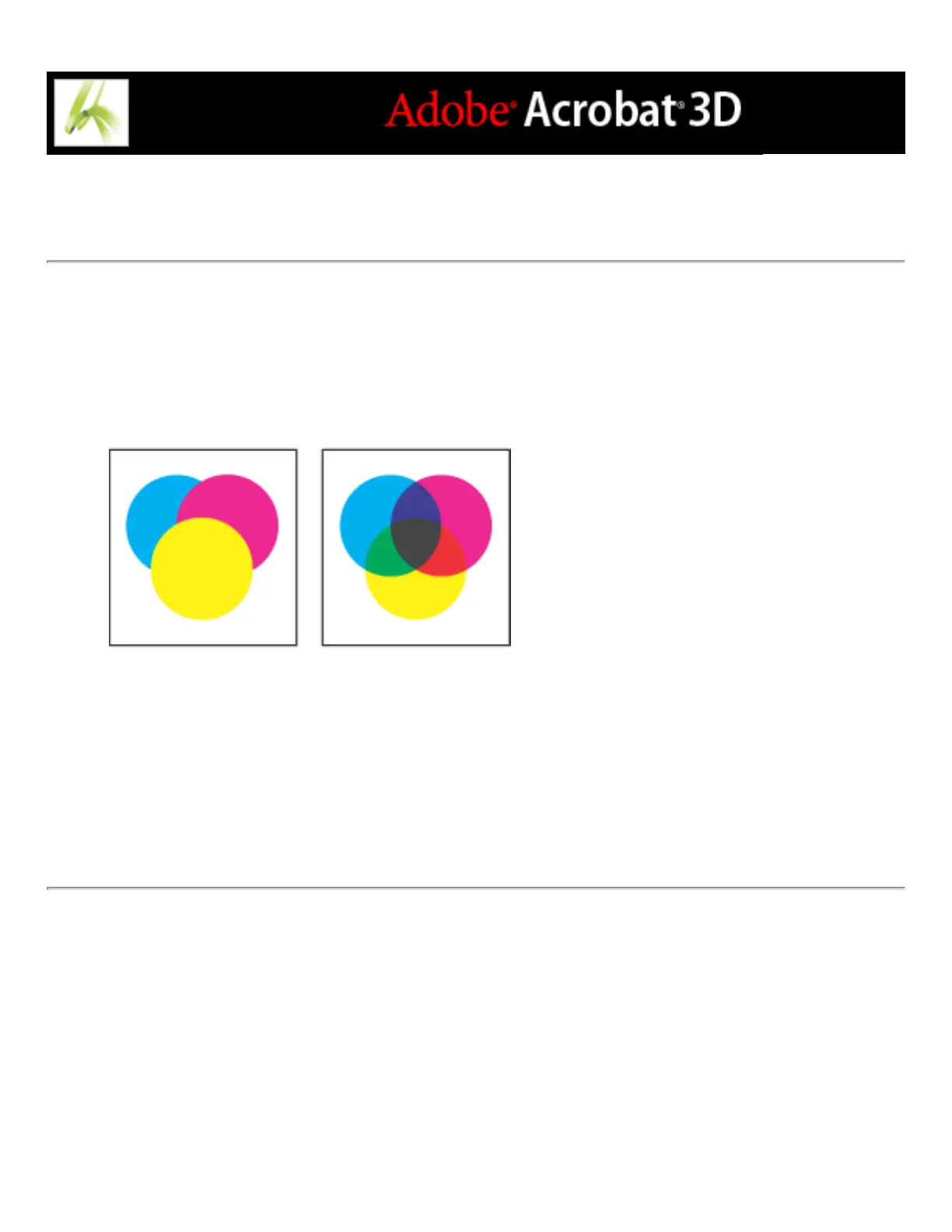
Overprint Preview mode provides an on-screen simulation that approximates how
blending and overprinting will appear in color-separated output. Overprinting effects can
also be simulated when you output to a composite printing device. Both of these methods
are useful for proofing documents that will be color separated.
Appearance of artwork on monitor (left) and printed artwork (right)
To preview how colors will overprint and blend:
With the PDF file open, choose Advanced > Overprint Preview. The overprint display
turns on or off; when overprint previewing is on, a checkmark appears next to the
Overprint Preview command.



 To Next Page