Setting up a presentation
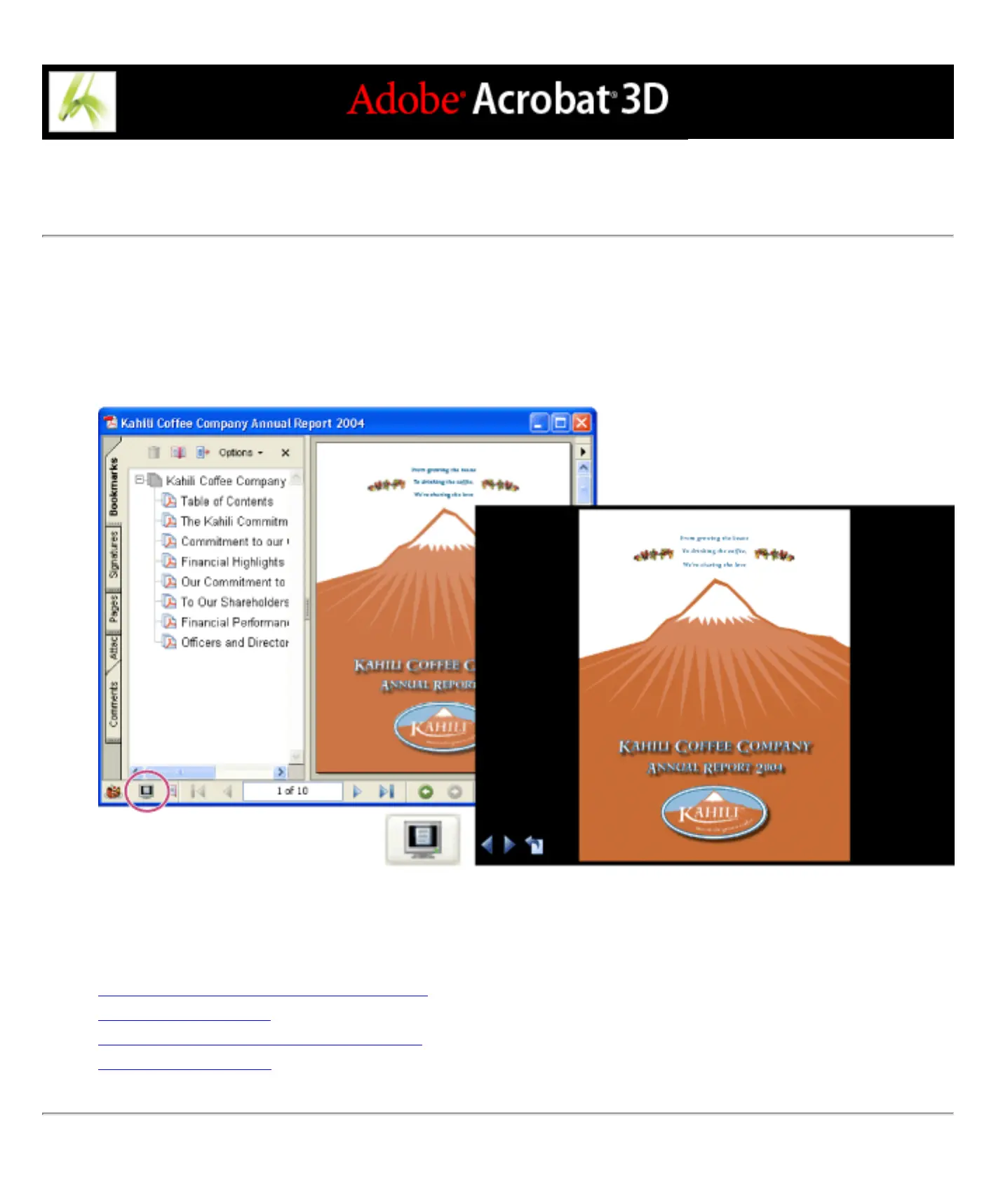
Full Screen mode is often used for presentations. In Full Screen mode, Adobe PDF pages fill the entire
screen, and the Acrobat menu bar, toolbar, and window controls are hidden. You can also set other opening
views, so that your documents or collections of documents open to a consistent view. In either case, you can
add page transitions to enhance the visual effect as the viewer pages through the document.
Use the Full Screen button (circled) to view and navigate PDF documents as a slideshow.
Related Subtopics:
Defining the initial view as Full Screen mode
Defining an initial view
Initial View options for document properties
Adding page transitions



 To Next Page