Viewing the contents of My Digital Editions
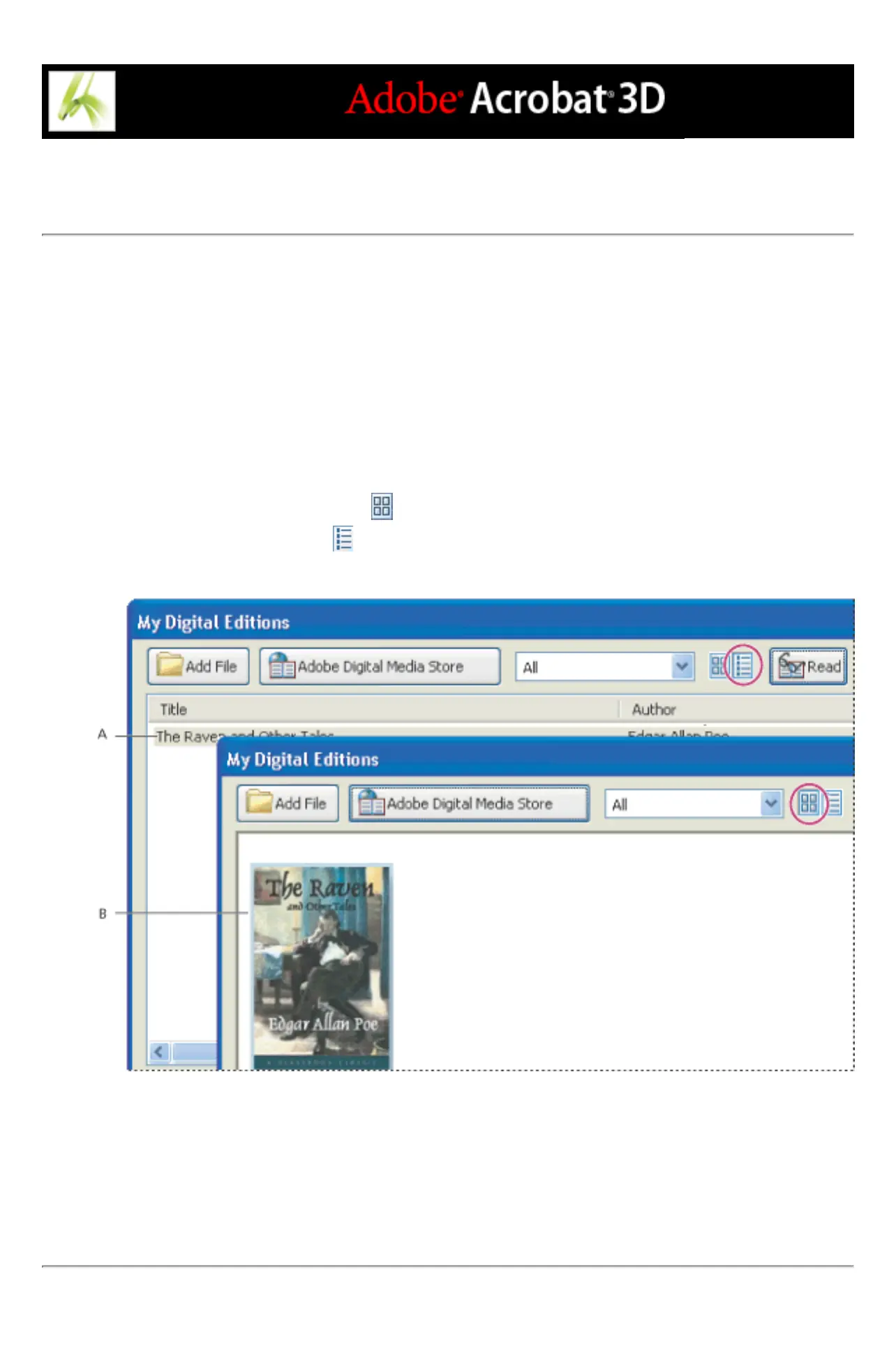
The contents of your library appear in the My Digital Editions bookshelf as a series of
thumbnails or as a list of book titles with author, access, and category information. When you
select a Digital Edition, information such as the author, title, publisher, and number of pages
appear at the bottom of the My Digital Editions bookshelf.
To change the display of the library contents:
Do one of the following:
● Click the Thumbnail View button to display thumbnails of all the books in the library.
● Click the Detail View button to list the title, author, access information, and category of all
books in the library.
Library contents A. Detail View B. Thumbnail View
To sort the library contents in Detail View:
Select the column heading to sort the Digital Editions by title, author, date last accessed, or
category in ascending or descending order.



 To Next Page