Viewing resources and general information
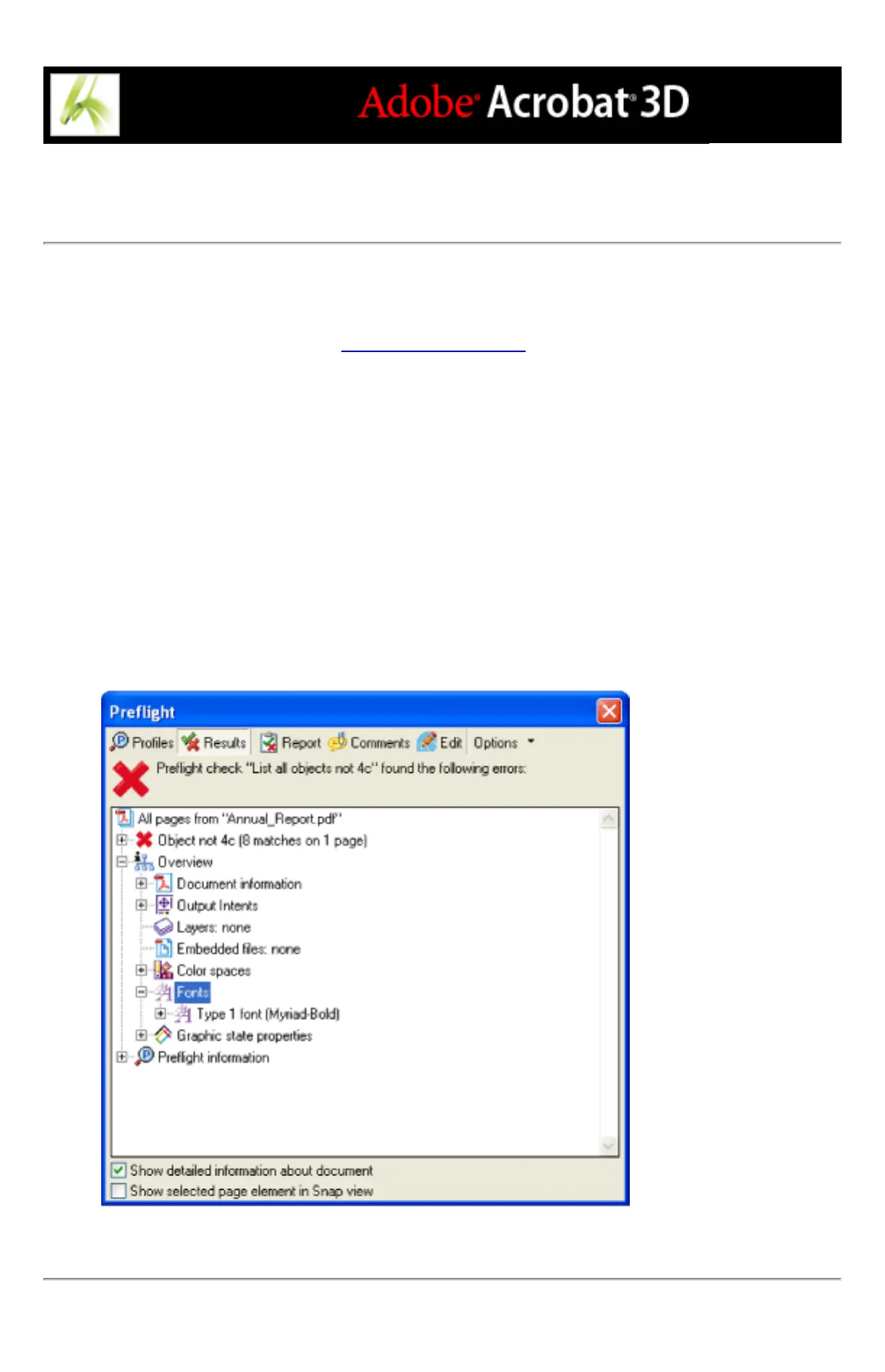
The Overview section of the Preflight dialog box lists the characteristics of the Adobe
PDF document, including the color spaces, fonts, patterns, halftone settings, graphic
states, and images used. (See About property groups.) It also lists general information
about the analyzed document, such as the application used to create it, the date it was
created, and the date it was last modified. The document information also indicates
whether the PDF file contains notes, forms, hypertext links, or similar items from other
vendors that are set to print. If you don't want these items to print, you must change the
printing condition in the source application or in Distiller.
To view additional information about the document:
1. In the Preflight dialog box with results showing, select Show Detailed Information About
Document. Overview and Preflight information appear.
2. Click the plus signs (+) next to Overview and Preflight Information to view details.
3. In the Overview section, click the plus sign (+) next to any property to list the document's
resources.
Document resources, including color spaces, fonts, and images found in problem objects



 To Next Page