Using bookmarks
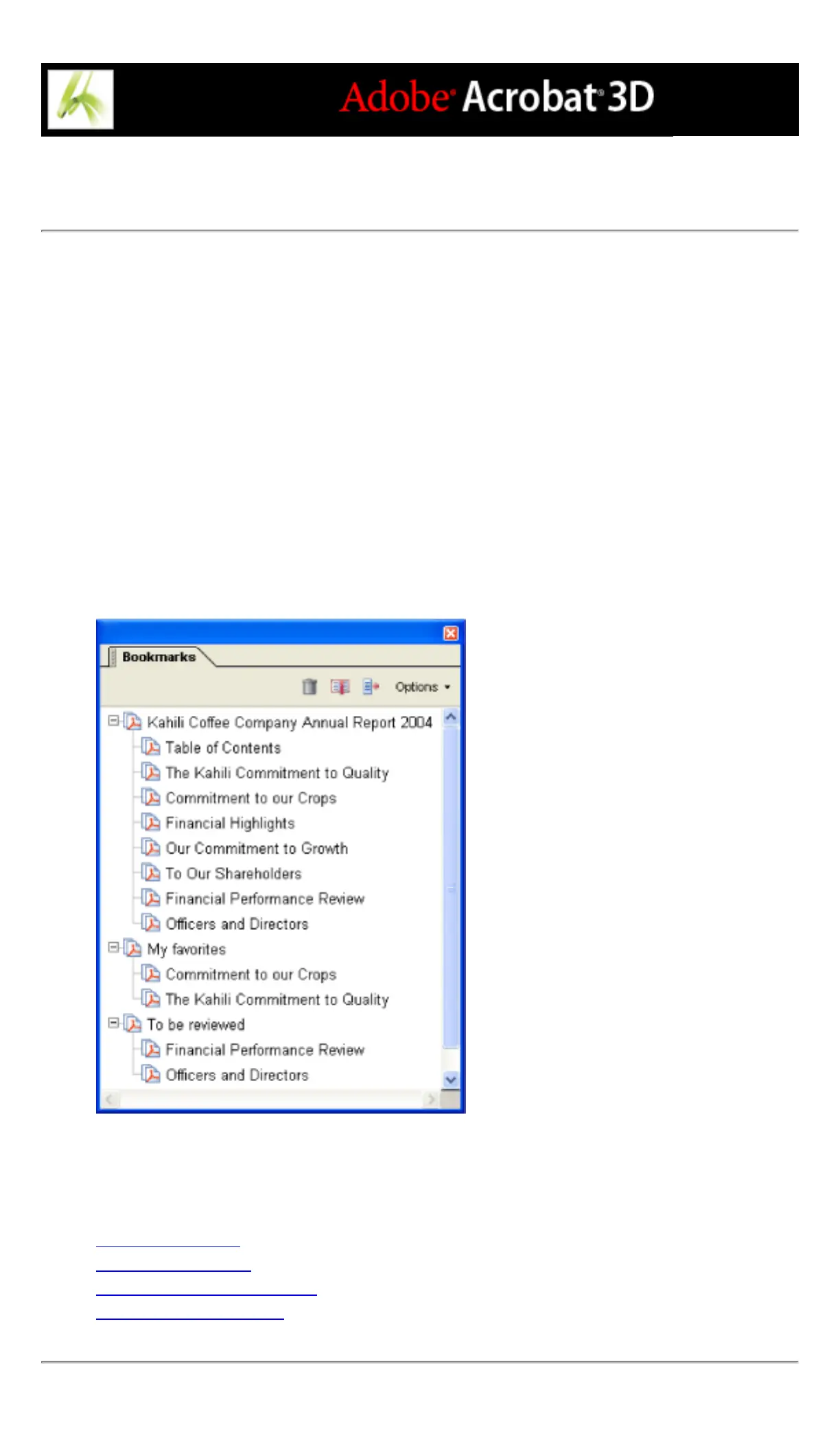
A bookmark is a type of link with representative text on the Bookmarks tab in the
navigation pane. Each bookmark goes to a different view or page in the document. You
can use electronic bookmarks as you would paper bookmarks, to mark a place in a
document to which you want to return. You can also use a bookmark to direct your
reader's attention where you want it. You can use bookmarks to jump to a destination
within an Adobe PDF document, to another document (PDF or other), or to a web page.
Bookmarks can also perform actions, such as executing a menu item or submitting a form.
Bookmarks are generated automatically from the table-of-contents entries of documents
created by most desktop publishing programs. In addition, tagged bookmarks can be
generated from tagged PDF files.
Note: A user can add bookmarks to a document only if the security settings allow it.
Bookmarks act as a table of contents for some PDF documents.
Related Subtopics:
Creating bookmarks
Managing bookmarks
Creating a bookmark hierarchy
Adding tagged bookmarks



 To Next Page