Creating and verifying PDF/X-compatible files
You can create and verify PDF/X-1a and PDF/X-3 files and remove all PDF/X
information from an existing PDF/X-compatible PDF file.
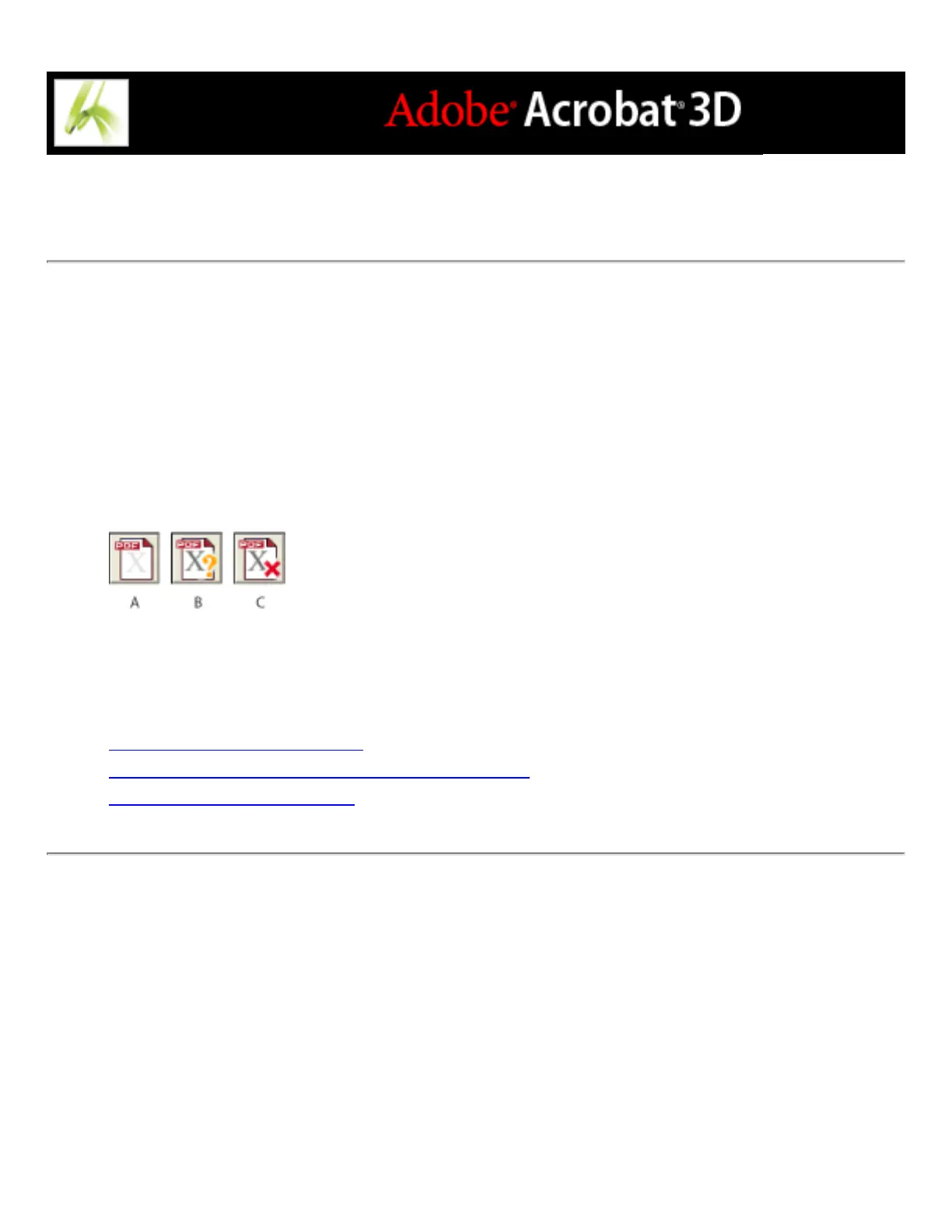
The PDF/X icon at the bottom left of the Preflight dialog box indicates the PDF/X status
of the current document. Tool tips indicate what action you can perform on the document.
For example, if the icon indicates that the document is not PDF/X-compatible, the tool tip
tells you that you can convert the current PDF document to PDF/X.
PDF/X alerts A. Convert to PDF/X B. Verify PDF/X C. Remove PDF/X
Related Subtopics:
Converting PDF files to PDF/X
Verifying an Adobe PDF file against PDF/X criteria
Removing PDF/X information



 To Next Page