Adjusting page margins and page sizes
Use the Crop Pages tool to adjust the margins of document boxes supported by Adobe PDF, including
media, trim, bleed, and art boxes. This is useful if the printer marks you add using the Add Printer
Marks tool (not the Marks And Bleeds panel of the Advanced Print Setup dialog box) would be clipped
because the crop box is too small to accommodate the marks. Prepress service providers can also use
this tool to expand the page size for imposition tasks.
You can switch between boxes without losing the margins you set for each box. As you adjust
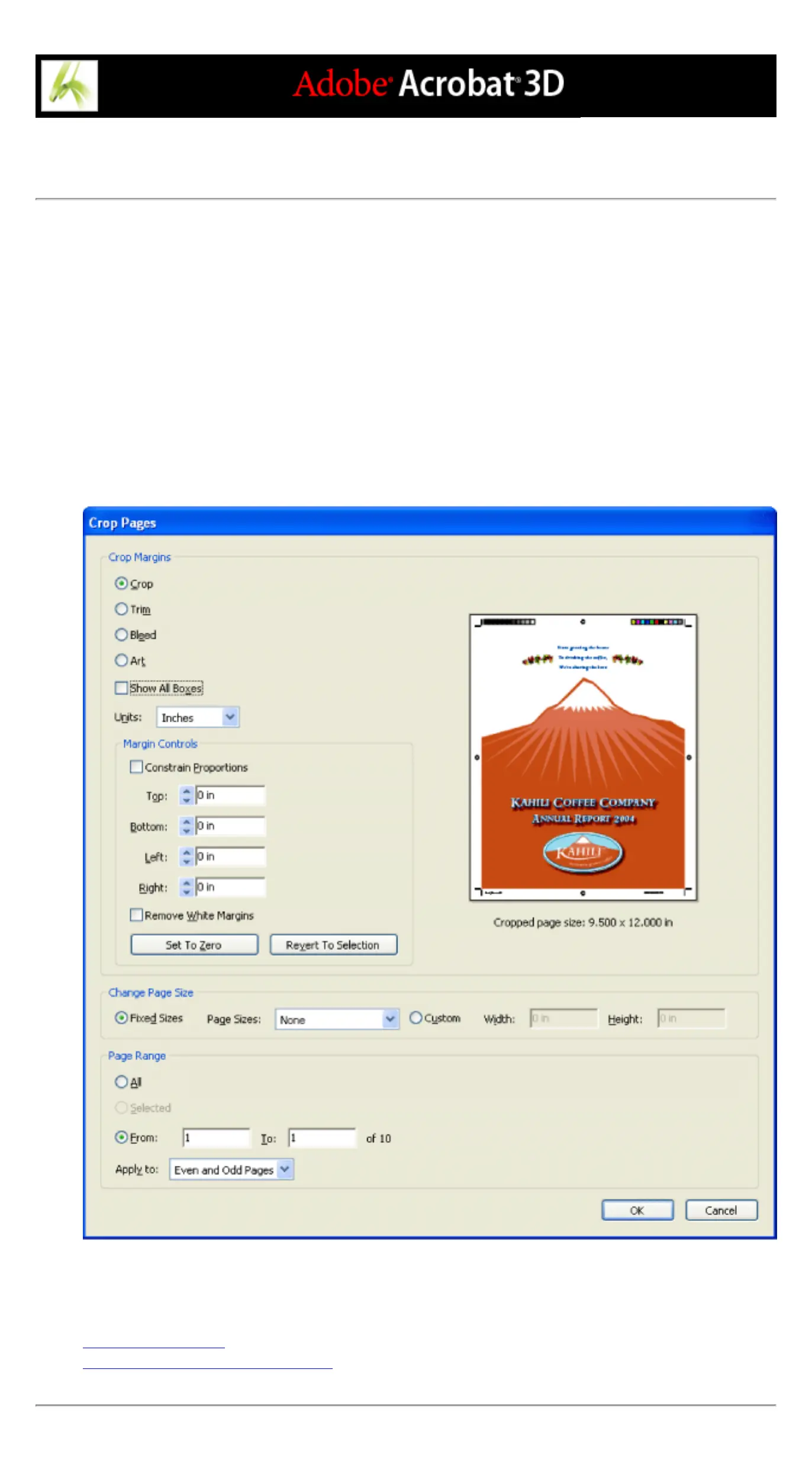
individual boxes, the preview in the Crop Pages dialog box redraws to reflect the new settings. For
example, if you expand the crop or media box, the page content "shrinks" in the preview, simulating
what would happen at a commercial printer.
Note: When the crop box is expanded, the media box adjusts accordingly.
Crop Pages dialog box
Related Subtopics:
About document boxes
Creating and modifying document boxes



 To Next Page