Viewing results as comments
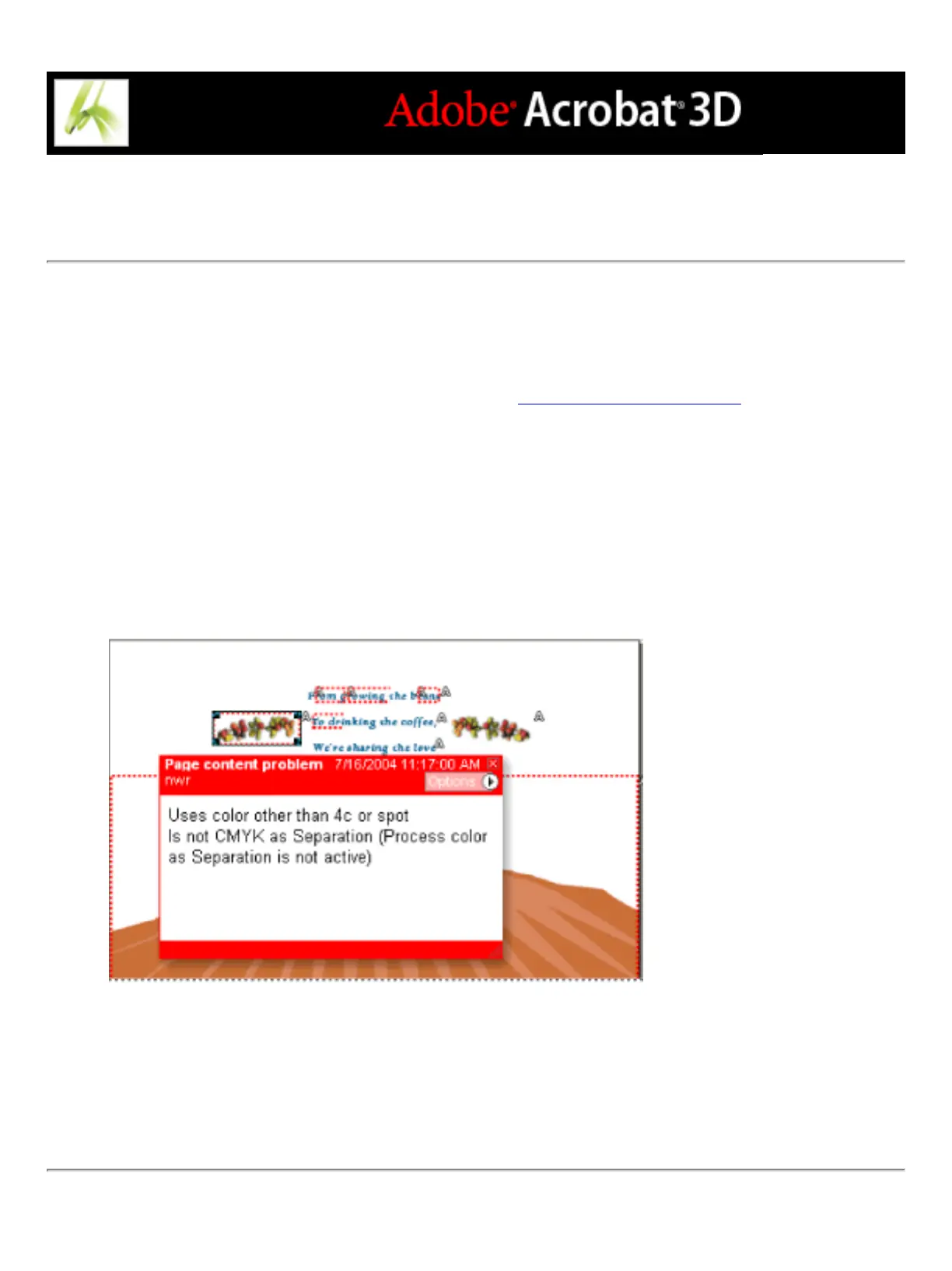
You can embed content problems as comments in the PDF document, and then view them
as you would any PDF comments. For example, you can click the Comments tab in the
navigation pane to list each comment (or filtered comment) in a list. For information on
commands available in the Comments tab, see Using the Comments List.
To view results as comments:
1. In the Preflight dialog box, click Comments, or choose Insert Preflight Results As
Comments from the Options menu. Yellow dotted outlines appear around each problem
object.
2. If prompted, click Embed if you want to embed comments, regardless of how many exist.
3. Click a comment to view its contents.
Sample PDF report with a note comment
To remove Preflight comments:
In the Preflight dialog box, choose Remove Preflight Comments from the Options menu.



 To Next Page