Editing JDF job definitions
Job definitions can come from a number of sources, including creative applications,
Acrobat Distiller 6.0 and later, Acrobat 3D and later, and Acrobat 7.0 Professional and
later. You can edit these JDF job definitions using the JDF Job Definitions dialog box.
To edit a JDF job definition:
1. In the JDF Job Definitions dialog box, select the job definition, and click Edit.
2. Click a tab, and select editing options.
3. When you are finished, click OK, or click another tab to edit more options.
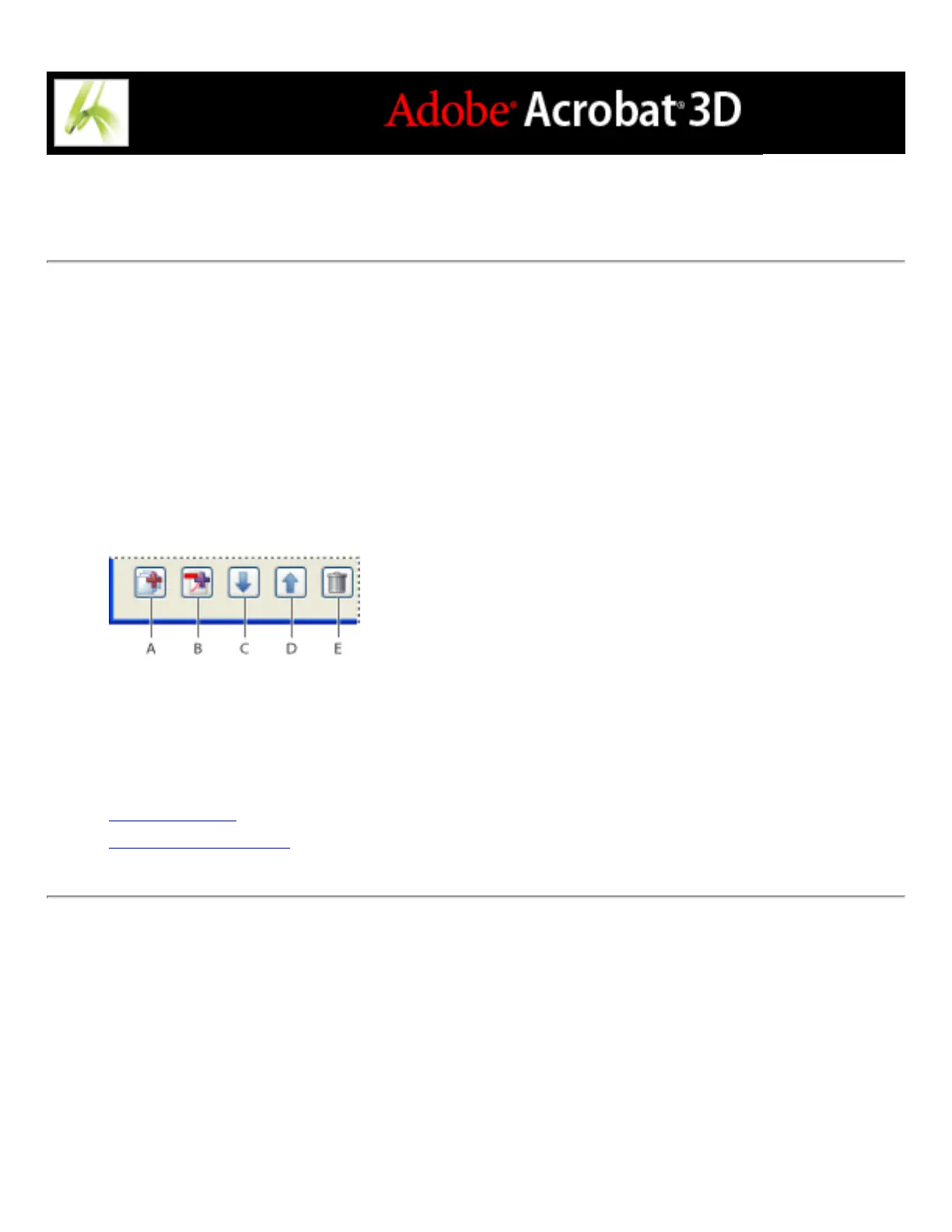
JDF Job Definitions editing options A. Add Section B. Add File C. Move Selection Down D.
Move Selection Up E. Delete Selection
Related Subtopics:
General options
Customer Info options



 To Next Page